The Tech Edvocate

Top Menu

  • Advertisement
  • Apps
  • Home Page
  • Home Page Five (No Sidebar)
  • Home Page Four
  • Home Page Three
  • Home Page Two
  • Home Tech2
  • Icons [No Sidebar]
  • Left Sidbear Page
  • Lynch Educational Consulting
  • My Account
  • My Speaking Page
  • Newsletter Sign Up Confirmation
  • Newsletter Unsubscription
  • Our Brands
  • Page Example
  • Privacy Policy
  • Protected Content
  • Register
  • Request a Product Review
  • Shop
  • Shortcodes Examples
  • Signup
  • Start Here
    • Governance
    • Careers
    • Contact Us
  • Terms and Conditions
  • The Edvocate
  • The Tech Edvocate Product Guide
  • Topics
  • Write For Us
  • Advertise

Main Menu

  • Start Here
    • Our Brands
    • Governance
      • Lynch Educational Consulting, LLC.
      • Dr. Lynch’s Personal Website
      • Careers
    • Write For Us
    • The Tech Edvocate Product Guide
    • Contact Us
    • Books
    • Edupedia
    • Post a Job
    • The Edvocate Podcast
    • Terms and Conditions
    • Privacy Policy
  • Topics
    • Assistive Technology
    • Child Development Tech
    • Early Childhood & K-12 EdTech
    • EdTech Futures
    • EdTech News
    • EdTech Policy & Reform
    • EdTech Startups & Businesses
    • Higher Education EdTech
    • Online Learning & eLearning
    • Parent & Family Tech
    • Personalized Learning
    • Product Reviews
  • Advertise
  • Tech Edvocate Awards
  • The Edvocate
  • Pedagogue
  • School Ratings

logo

The Tech Edvocate

  • Start Here
    • Our Brands
    • Governance
      • Lynch Educational Consulting, LLC.
      • Dr. Lynch’s Personal Website
        • My Speaking Page
      • Careers
    • Write For Us
    • The Tech Edvocate Product Guide
    • Contact Us
    • Books
    • Edupedia
    • Post a Job
    • The Edvocate Podcast
    • Terms and Conditions
    • Privacy Policy
  • Topics
    • Assistive Technology
    • Child Development Tech
    • Early Childhood & K-12 EdTech
    • EdTech Futures
    • EdTech News
    • EdTech Policy & Reform
    • EdTech Startups & Businesses
    • Higher Education EdTech
    • Online Learning & eLearning
    • Parent & Family Tech
    • Personalized Learning
    • Product Reviews
  • Advertise
  • Tech Edvocate Awards
  • The Edvocate
  • Pedagogue
  • School Ratings
  • A Visitors Guide to Long Beach (CA), United States

  • A Visitor’s Guide to Fresno (CA), United States

  • A Visitors Guide to New Orleans (LA), United States

  • A Visitors Guide to Sacramento (CA), United States

  • A Visitors Guide to Lyon, France

  • JisuLife Ultra2 Portable Fan: A Powerful Multi-Function Cooling Solution

  • A Visitors Guide to Viña del Mar, Chile

  • A Visitors Guide to Århus, Denmark

  • A Visitors Guide to Bakersfield (CA), United States

  • A Visitors Guide to Aurora (CO), United States

Digital & Mobile Technology
Home›Digital & Mobile Technology›Tips for Protecting Take-Home Devices

Tips for Protecting Take-Home Devices
By Matthew Lynch
March 2, 2023
0
Spread the love

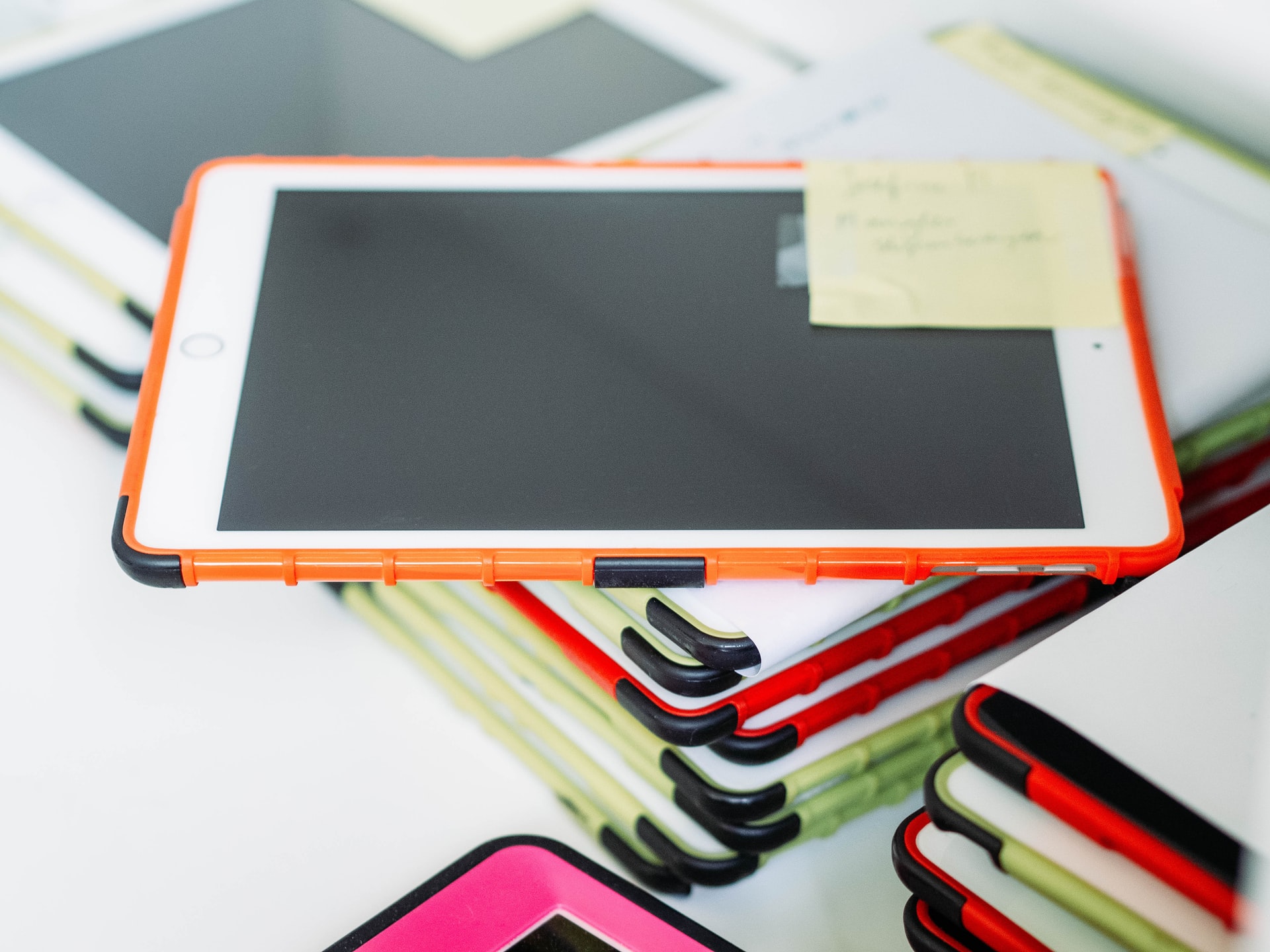
To preserve take-home gadgets in proper working order, discuss these easy tips with your pupils and their families.

After more than a decade of dealing with one-to-one device projects, I’ve encountered some intriguing device care stories. After a tablet was delivered with a few nasty teeth marks, one very 21st century spin on “the dog ate my homework” emerged!

Fortunately, IT professionals can share some basic suggestions with kids to help them safeguard their devices. Here are a handful of my personal favorites.

  1. Locate a Home Network Filter

Aside from the danger of physical harm, it is critical to safeguard pupils and connections through material monitoring. Work with children, instructors, and households to verify that their house filters are adequate. A breach that begins in a student‘s home can later spread to K–12 networks. Consider using Cisco Umbrella from Cisco Systems. This free home solution offers basic content filtering and security against phishing and ransomware.

  1. Take Preventative Measures to Find the Missing

Indispensible gadgets can finish up in the strangest unusual places. Many firms, including Google, offer services to help identify lost devices, but keep in mind that these capabilities must be activated well before the device goes missing. Location services should be enabled on all take-home gadgets before they leave the house. Additional option: Some services provide a Bluetooth-enabled microchip that can be fitted to frequently forgotten things.

  1. Train Students on How to Properly Pack Devices

It may appear to be a simple task, but correctly loading and managing a backpack containing a gadget is not something that all students are familiar with. Devices are typically best stowed on top of or in front of heavy books, and a container apart from water bottles. Also, when packing up your tablet, unplug any earbuds or headphones to avoid headphone jacks falling off in the sound port.


  1. Train Students on How to Properly Pack Devices

It may appear to be a simple task, but correctly loading and managing a backpack containing a gadget is not something that all students are familiar with. Devices are typically best stowed on top of or in front of heavy books, and a container apart from water bottles. Also, when packing up your tablet, unplug any earbuds or headphones to avoid headphone jacks falling off in the sound port.

Previous Article

Parents And Modifications: Everything You Need to ...

Next Article

Having an Effective IEP Meeting: Everything You ...

Matthew Lynch

Related articles More from author

  • Digital & Mobile Technology

    Privacy-Enhancing Features in DuckDuckGo for Android That You Need to Try

    September 8, 2023
    By Matthew Lynch
  • Digital & Mobile Technology

    What is a Query Optimizer?

    April 23, 2023
    By Matthew Lynch
  • Digital & Mobile Technology

    How to Block a Website

    June 1, 2023
    By Matthew Lynch
  • Digital & Mobile Technology

    How to Make a File Smaller on a Mac

    July 6, 2023
    By Matthew Lynch
  • Digital & Mobile Technology

    Samsung’s ‘The Frame’ Is the Big TV for People Who Hate TVs

    July 24, 2023
    By Matthew Lynch
  • Digital & Mobile Technology

    How To Plant Trees in Animal Crossing

    June 12, 2023
    By Matthew Lynch

Search

Login & Registration

  • Register
  • Log in
  • Entries feed
  • Comments feed
  • WordPress.org

Newsletter

Signup for The Tech Edvocate Newsletter and have the latest in EdTech news and opinion delivered to your email address!

About Us

Since technology is not going anywhere and does more good than harm, adapting is the best course of action. That is where The Tech Edvocate comes in. We plan to cover the PreK-12 and Higher Education EdTech sectors and provide our readers with the latest news and opinion on the subject. From time to time, I will invite other voices to weigh in on important issues in EdTech. We hope to provide a well-rounded, multi-faceted look at the past, present, the future of EdTech in the US and internationally.

We started this journey back in June 2016, and we plan to continue it for many more years to come. I hope that you will join us in this discussion of the past, present and future of EdTech and lend your own insight to the issues that are discussed.

Newsletter

Signup for The Tech Edvocate Newsletter and have the latest in EdTech news and opinion delivered to your email address!

Contact Us

The Tech Edvocate
910 Goddin Street
Richmond, VA 23231
(601) 630-5238
[email protected]

Copyright © 2025 Matthew Lynch. All rights reserved.