The Tech Edvocate

Top Menu

  • Advertisement
  • Apps
  • Home Page
  • Home Page Five (No Sidebar)
  • Home Page Four
  • Home Page Three
  • Home Page Two
  • Home Tech2
  • Icons [No Sidebar]
  • Left Sidbear Page
  • Lynch Educational Consulting
  • My Account
  • My Speaking Page
  • Newsletter Sign Up Confirmation
  • Newsletter Unsubscription
  • Our Brands
  • Page Example
  • Privacy Policy
  • Protected Content
  • Register
  • Request a Product Review
  • Shop
  • Shortcodes Examples
  • Signup
  • Start Here
    • Governance
    • Careers
    • Contact Us
  • Terms and Conditions
  • The Edvocate
  • The Tech Edvocate Product Guide
  • Topics
  • Write For Us
  • Advertise

Main Menu

  • Start Here
    • Our Brands
    • Governance
      • Lynch Educational Consulting, LLC.
      • Dr. Lynch’s Personal Website
      • Careers
    • Write For Us
    • The Tech Edvocate Product Guide
    • Contact Us
    • Books
    • Edupedia
    • Post a Job
    • The Edvocate Podcast
    • Terms and Conditions
    • Privacy Policy
  • Topics
    • Assistive Technology
    • Child Development Tech
    • Early Childhood & K-12 EdTech
    • EdTech Futures
    • EdTech News
    • EdTech Policy & Reform
    • EdTech Startups & Businesses
    • Higher Education EdTech
    • Online Learning & eLearning
    • Parent & Family Tech
    • Personalized Learning
    • Product Reviews
  • Advertise
  • Tech Edvocate Awards
  • The Edvocate
  • Pedagogue
  • School Ratings

logo

The Tech Edvocate

  • Start Here
    • Our Brands
    • Governance
      • Lynch Educational Consulting, LLC.
      • Dr. Lynch’s Personal Website
        • My Speaking Page
      • Careers
    • Write For Us
    • The Tech Edvocate Product Guide
    • Contact Us
    • Books
    • Edupedia
    • Post a Job
    • The Edvocate Podcast
    • Terms and Conditions
    • Privacy Policy
  • Topics
    • Assistive Technology
    • Child Development Tech
    • Early Childhood & K-12 EdTech
    • EdTech Futures
    • EdTech News
    • EdTech Policy & Reform
    • EdTech Startups & Businesses
    • Higher Education EdTech
    • Online Learning & eLearning
    • Parent & Family Tech
    • Personalized Learning
    • Product Reviews
  • Advertise
  • Tech Edvocate Awards
  • The Edvocate
  • Pedagogue
  • School Ratings
  • Big Walk developer House House Confirms ‘Sparing’ Use of Gen AI – Press Start

  • Baffling: How a Cyber Breach at South Korea’s Top Security Watchdog Exposed Millions

  • Wenn Ordnung den Bildschirm beruhigt: Warum klare Abläufe Casino-Unterhaltung einladender machen

  • Reddit AI Reviews: The Quiet Reshaping of Online Opinion

  • The Chilling Truth: Iran Cyberattacks Europe’s Food and Blood Supplies

  • Anthropic’s $3.4 Billion Bet on Gas: The Unseen Cost of AI’s Future

  • Tribit FlyBuds C3 Earbuds: Premium Features at a Budget-Friendly Price

  • Is AuraCam Pro’s Emotional AI a Privacy Nightmare or Security Breakthrough?

  • Unprecedented: N-able’s Global Shutdown After 30+ Zero-Days Revealed

  • The Urgent Truth: Your AI Tools for Financial Advisors Could Be a Compliance Nightmare

K-12
Home›K-12›K-12 Districts Keep Students Safe with Web Filters and Monitors

K-12 Districts Keep Students Safe with Web Filters and Monitors
By Matthew Lynch
April 6, 2021
0
Spread the love

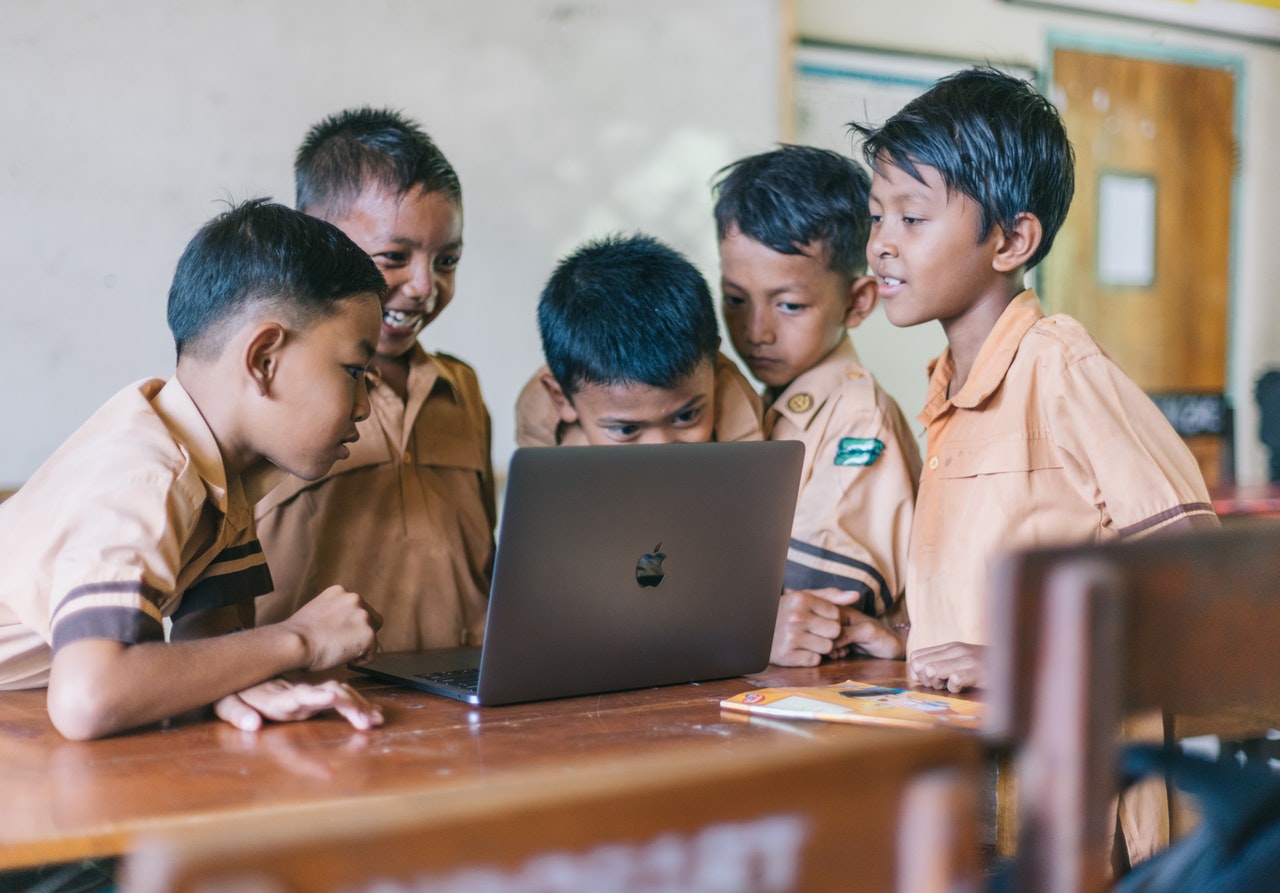
In the age of 21st-century learning, there are many additional dangers that students need to be protected from. While the internet is improving lessons, it is also creating a larger landscape for students to get lost in. As teachers, we know how to navigate the internet for false and misleading information; we must consider that our students do not have these skills yet. Therefore, it is important to keep kids safe using web filters and monitors while teaching them how to be responsible digital citizens.

School Implementation of Filters and Monitors

There are many different ways that schools have begun to filter and monitor student use of the web. For example, many schools know that spam emails are still a prevalent part of using the internet, so they have implemented spam filters onto student email accounts. Luckily, this is becoming easier based on the technology that schools are using, such as Google. Gmail has an automated spam folder to keep your child safer than when every email had to be manually monitored for viruses or inappropriate content. This spam folder filters out emails from suspicious accounts. This proves that schools are ensuring that it is better to be safe than sorry when it comes to keeping your children safe!

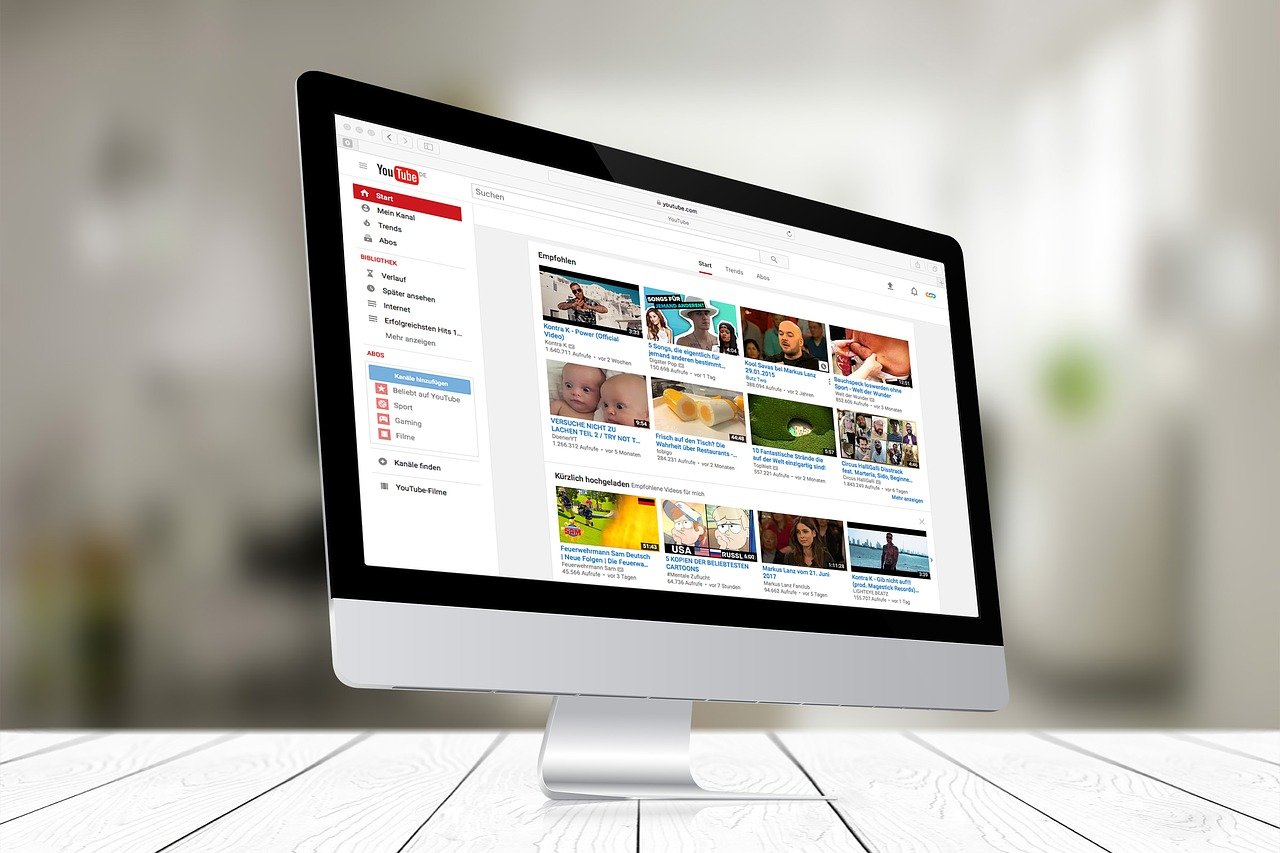
Youtube has a feature that teachers can enable that allows students to only view videos that have been approved by the school. You can do this by clicking “Approved content only,” so students are unable to watch anything inappropriate or distracting. Teachers can also pause the watch algorithm from suggesting new videos to students. This prevents any inappropriate and unwanted videos from being suggested when a student is supposed to be learning. Many school networks also include filters so that inappropriate content cannot be accessed. You can also use specific third party content filters that automatically monitor and eliminate unwanted content in the classroom. 

Students need to be cognizant of the dangers of sharing personal information on the internet. Luckily, with many years of addressing this issue, there have been developments in software that easily monitor information sharing. For example, on Google, you can easily do a “Privacy Checkup” that shows you what information is private and what information is public. Another option when using Google is downloading the Google Family Link for Parents App, which allows you to set parental controls. 

Educating Students About Digital Safety

Teaching students about their digital footprint is important when developing responsible digital citizens. Students must know the dangers present on the internet so that they can learn to navigate responsibly and protect themselves. 

Fake news has become a popular name for misleading information that is being shared. This is a new term for a problem that has persisted over the years. Nowadays, there are fact-checkers and filters on social media websites such as Twitter and Facebook. If you are a parent and your child spends time on social media, make sure to educate them about the importance of checking facts and resources. Because many students now do their schooling online from their homes, there may not be a specific way for the school to implement filters. So, educating students to critically think about the information they find on the internet can be essential in filtering out misleading and possibly even unsafe information. 

Conclusion 

When raising responsible digital citizens, it may seem difficult to ensure that students make the correct choices. However, many pre-made filters and monitors can help keep students safe. Students can end up making bad choices because they do not know any better; so this education is essential. To help students understand what is acceptable use of technology and what isn’t, it is important to create a common protocol throughout the school, so teachers are all on the same page. If teachers have varying expectations, students may become confused about what is and what isn’t an appropriate use of technology. If you have clear and precise expectations, students will rise to the occasion and learn to be responsible digital citizens.

Previous Article

Fun Resources for Online Learning

Next Article

Free Resources to Help Everyone Navigate Online ...

Matthew Lynch

Related articles More from author

  • Curriculum & InstructionEarly Childhood & K-12 EdTechK-12Online Learning & eLearningPreK-12

    How to Create Beautiful Online Courses: Font

    October 21, 2020
    By Matthew Lynch
  • Higher EducationK-12

    What Grade Would You Give K-12 Schools and College on Drugs Prevention and Enforcement?

    June 19, 2022
    By Matthew Lynch
  • Curriculum & InstructionEarly Childhood & K-12 EdTechHigh SchoolK-12Online Learning & eLearning

    How to Create Beautiful Online Courses: Colors

    October 20, 2020
    By Matthew Lynch
  • K-12

    Is It Possible for Teachers to be Successful Without Using Technology?

    May 30, 2022
    By Matthew Lynch
  • Curriculum & InstructionEdTech & InnovationK-12Online Learning & eLearningPreK-12

    How to Create Beautiful Online Courses: Layout

    October 22, 2020
    By Matthew Lynch
  • K-12

    The Worst State for Education in the US

    May 22, 2024
    By Matthew Lynch

Search

Login & Registration

  • Log in
  • Entries feed
  • Comments feed
  • WordPress.org

Newsletter

Signup for The Tech Edvocate Newsletter and have the latest in EdTech news and opinion delivered to your email address!

About Us

Since technology is not going anywhere and does more good than harm, adapting is the best course of action. That is where The Tech Edvocate comes in. We plan to cover the PreK-12 and Higher Education EdTech sectors and provide our readers with the latest news and opinion on the subject. From time to time, I will invite other voices to weigh in on important issues in EdTech. We hope to provide a well-rounded, multi-faceted look at the past, present, the future of EdTech in the US and internationally.

We started this journey back in June 2016, and we plan to continue it for many more years to come. I hope that you will join us in this discussion of the past, present and future of EdTech and lend your own insight to the issues that are discussed.

Newsletter

Signup for The Tech Edvocate Newsletter and have the latest in EdTech news and opinion delivered to your email address!

Contact Us

The Tech Edvocate
910 Goddin Street
Richmond, VA 23231
(601) 630-5238
[email protected]

Copyright © 2026 Matthew Lynch. All rights reserved.