The Tech Edvocate

Top Menu

  • Advertisement
  • Apps
  • Home Page
  • Home Page Five (No Sidebar)
  • Home Page Four
  • Home Page Three
  • Home Page Two
  • Home Tech2
  • Icons [No Sidebar]
  • Left Sidbear Page
  • Lynch Educational Consulting
  • My Account
  • My Speaking Page
  • Newsletter Sign Up Confirmation
  • Newsletter Unsubscription
  • Our Brands
  • Page Example
  • Privacy Policy
  • Protected Content
  • Register
  • Request a Product Review
  • Shop
  • Shortcodes Examples
  • Signup
  • Start Here
    • Governance
    • Careers
    • Contact Us
  • Terms and Conditions
  • The Edvocate
  • The Tech Edvocate Product Guide
  • Topics
  • Write For Us
  • Advertise

Main Menu

  • Start Here
    • Our Brands
    • Governance
      • Lynch Educational Consulting, LLC.
      • Dr. Lynch’s Personal Website
      • Careers
    • Write For Us
    • The Tech Edvocate Product Guide
    • Contact Us
    • Books
    • Edupedia
    • Post a Job
    • The Edvocate Podcast
    • Terms and Conditions
    • Privacy Policy
  • Topics
    • Assistive Technology
    • Child Development Tech
    • Early Childhood & K-12 EdTech
    • EdTech Futures
    • EdTech News
    • EdTech Policy & Reform
    • EdTech Startups & Businesses
    • Higher Education EdTech
    • Online Learning & eLearning
    • Parent & Family Tech
    • Personalized Learning
    • Product Reviews
  • Advertise
  • Tech Edvocate Awards
  • The Edvocate
  • Pedagogue
  • School Ratings

logo

The Tech Edvocate

  • Start Here
    • Our Brands
    • Governance
      • Lynch Educational Consulting, LLC.
      • Dr. Lynch’s Personal Website
        • My Speaking Page
      • Careers
    • Write For Us
    • The Tech Edvocate Product Guide
    • Contact Us
    • Books
    • Edupedia
    • Post a Job
    • The Edvocate Podcast
    • Terms and Conditions
    • Privacy Policy
  • Topics
    • Assistive Technology
    • Child Development Tech
    • Early Childhood & K-12 EdTech
    • EdTech Futures
    • EdTech News
    • EdTech Policy & Reform
    • EdTech Startups & Businesses
    • Higher Education EdTech
    • Online Learning & eLearning
    • Parent & Family Tech
    • Personalized Learning
    • Product Reviews
  • Advertise
  • Tech Edvocate Awards
  • The Edvocate
  • Pedagogue
  • School Ratings
  • The Brutal Truth: 8 Lies Scammers Tell About Your Student Loans

  • New Student Loan Rules: The Shocking Truth About 2026 Relief Programs

  • New Repayment Plan Changes Trigger Student Loan Scam Epidemic

  • Why Millions Are Ditching Degrees for This One Skill-Boosting Secret

  • The Quiet Revolution: How Micro-Credentials Are Reshaping Tech Careers

  • Why 96% of Employers Are Now Demanding Micro-Credentials

  • This One Incident Exposed How Vulnerable Your Student Data Really Is

  • The Brutal Truth About EdTech Security: 10 Solutions to Prevent Another Canvas LMS Disaster

  • The Billion-User Data Heist: Why Your Child’s School Data Is Under Attack

  • This Crucial Mistake Is Killing Your Tech Career (It’s Not What You Think)

Google ClassroomGoogle Classroom Tips
Home›Google Classroom›What is G Suite for Education?

What is G Suite for Education?
By Matthew Lynch
August 4, 2020
0
Spread the love

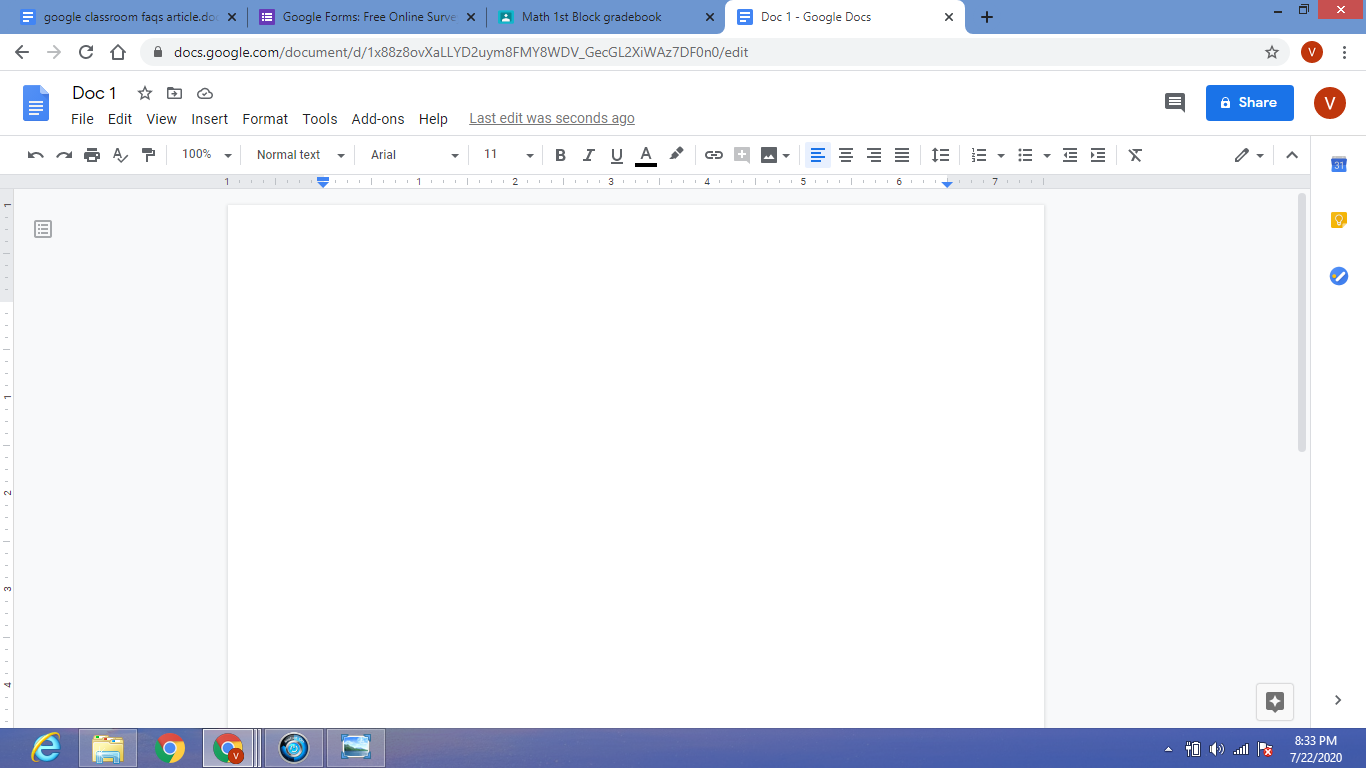
G Suite for Education brings together several Google products that promote collaboration among learners and educators.  These Google apps can be used for free in the browser. The shareable documents auto-save and learners can even edit them without WiFi. 

Educators can use these products to create interactive learning materials that are not only paperless but also provide an engaging digital format to teach content. Learners can work together, in Class or at home, to complete assignments and group projects. Collaboration with peers is an effective teaching strategy that not only promotes higher-level thinking and creativity but also keeps students engaged. Incorporating these Google products into your instruction helps to make collaboration a seamless part of your Classroom. 

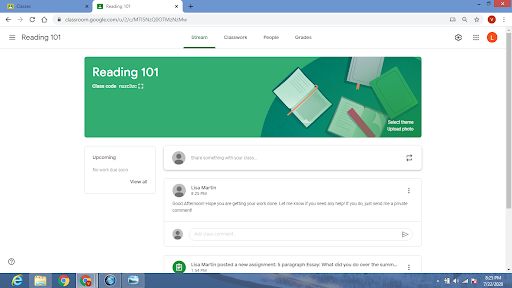
Google Classroom: Digital classroom space that allows educators to post assignments, educational material, and grades.  Provides an online platform that is organized, interactive, and paperless. Educators can easily progress monitor students, as well as provide instant feedback on all assignments.
Google Docs: Word processor with smart editing and styling apps. You can develop documents that integrate links, images, drawings, and tables. Students can share their Google Doc with their teacher and other classmates. This is great for group work because it provides an opportunity for learners to collaborate and share ideas with each other. Educators can use Google Docs to create worksheets and share important information as well. 
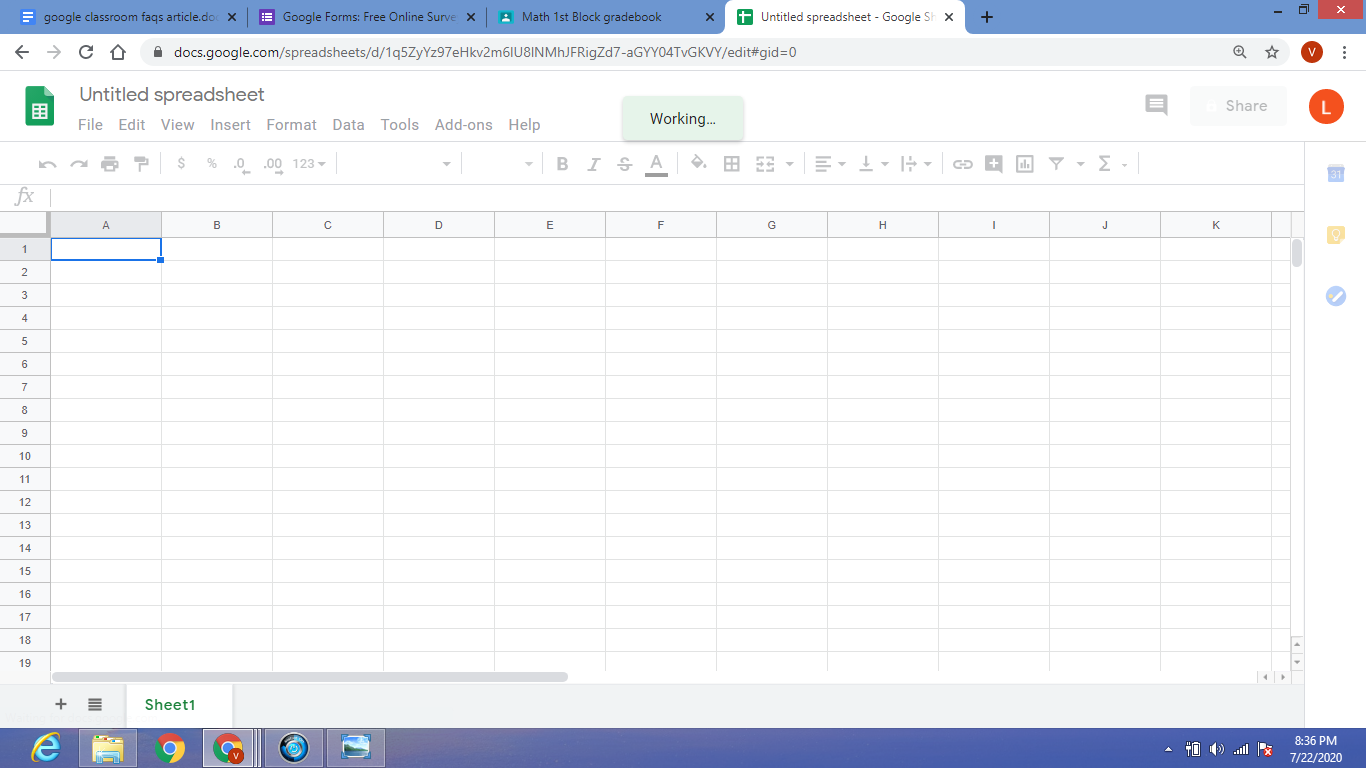
Google Sheets: Spreadsheet application for analyzing, visualizing, and charting data. Also great for making checklists, schedules, charts, sign-up sheets, progress monitoring sheets, rubrics, communication logs, and much more.
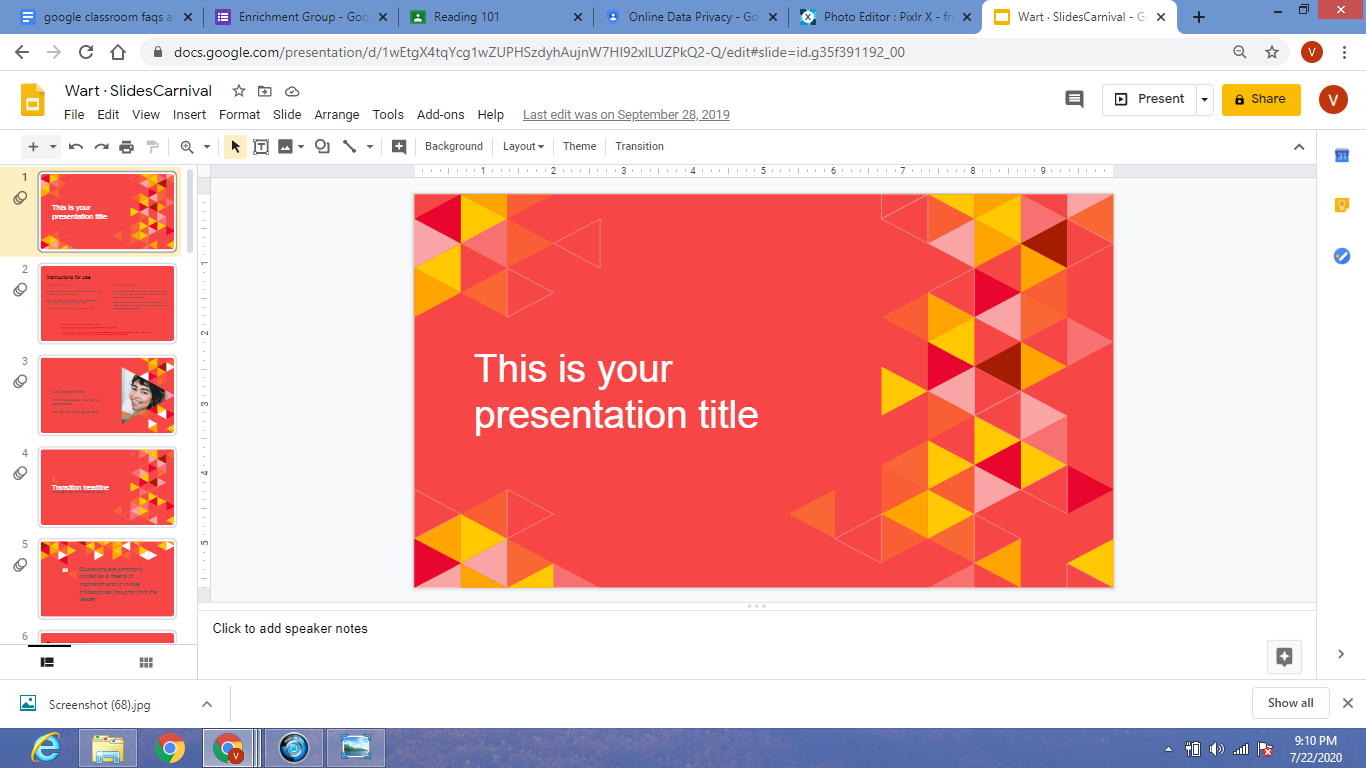
Google Slides: Presentation app that makes it easy to tell stories and create presentations with colorful text and images. Students can create individual presentations that highlight important concepts. They also can take turns making slides to create high-quality group presentations across a variety of subjects and topics. Educators can utilize this app as well, creating slides to share educational content that includes images, pictures, graphics, and attention-grabbing colors to meet the needs of visual learners.

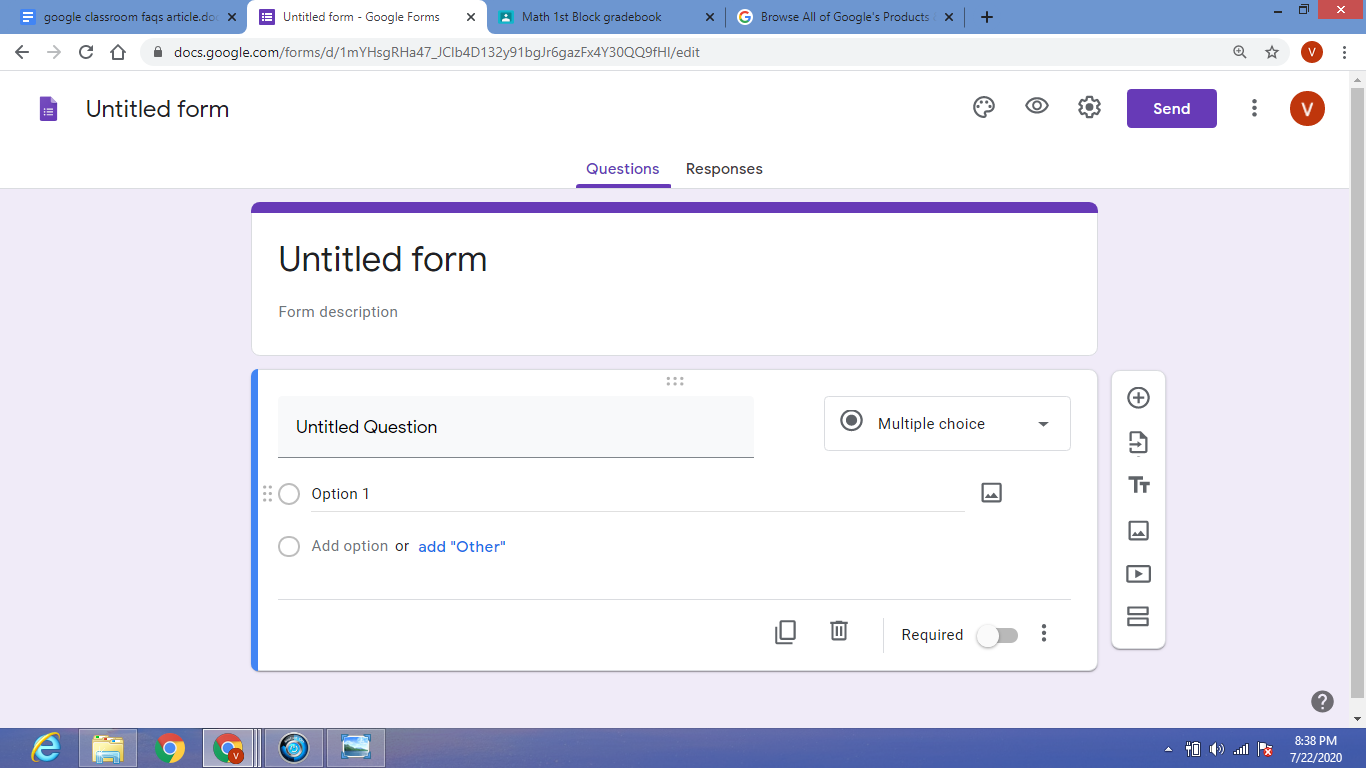
Google Forms: Quick & easy web-based survey and quiz creator. The information automatically appears in a spreadsheet. Formats include both multiple choice and short answer options. Educators can create short quizzes or longer, in-depth tests. The survey option helps educators gather student opinions quickly and efficiently.
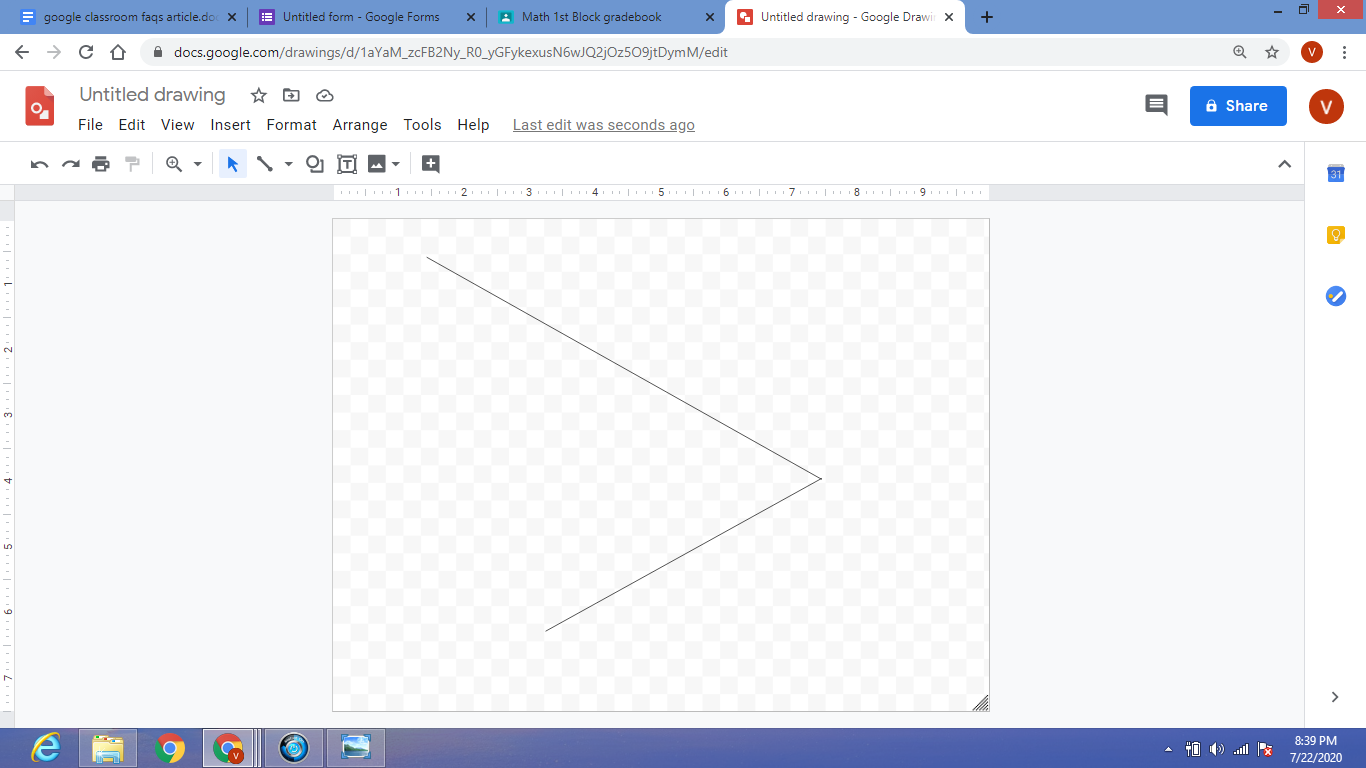
Google Drawings: Graphics editor. This versatile tool allows you to create graphic designs using shapes, text, and images. This product is great for creating an assortment of graphics, such as flowcharts, diagrams, concept maps, timelines, plotting graphs, number lines, mathematical equations and shapes, and graphic organizers.  The scribble tool is also a great way for students to show their work when completing a math problem, or for note-taking during a lecture.
Previous Article

What is Google Classroom?

Next Article

How Do I Sign In to Google ...

Matthew Lynch

Related articles More from author

  • Google ClassroomUncategorized

    Leveraging the Amazing Mobile Features of Google Classroom

    September 20, 2018
    By Matthew Lynch
  • Google Classroom Tips

    Google Classroom Tip #40: Teams & Committees

    December 10, 2018
    By Matthew Lynch
  • Google Classroom Tips

    Google Will Start Deleting Old Accounts Today. Here’s How to Save Yours

    February 2, 2024
    By Matthew Lynch
  • Google ClassroomGoogle Classroom Tips

    How Does Google Classroom Manage Student Data and Privacy?

    August 7, 2020
    By Matthew Lynch
  • Google Classroom Tips

    Google Classroom Tip #25: Differentiated Instruction

    November 26, 2018
    By Matthew Lynch
  • Google Classroom Tips

    Google Classroom Tip #24: Blended Learning

    November 25, 2018
    By Matthew Lynch

Search

Login & Registration

  • Log in
  • Entries feed
  • Comments feed
  • WordPress.org

Newsletter

Signup for The Tech Edvocate Newsletter and have the latest in EdTech news and opinion delivered to your email address!

About Us

Since technology is not going anywhere and does more good than harm, adapting is the best course of action. That is where The Tech Edvocate comes in. We plan to cover the PreK-12 and Higher Education EdTech sectors and provide our readers with the latest news and opinion on the subject. From time to time, I will invite other voices to weigh in on important issues in EdTech. We hope to provide a well-rounded, multi-faceted look at the past, present, the future of EdTech in the US and internationally.

We started this journey back in June 2016, and we plan to continue it for many more years to come. I hope that you will join us in this discussion of the past, present and future of EdTech and lend your own insight to the issues that are discussed.

Newsletter

Signup for The Tech Edvocate Newsletter and have the latest in EdTech news and opinion delivered to your email address!

Contact Us

The Tech Edvocate
910 Goddin Street
Richmond, VA 23231
(601) 630-5238
[email protected]

Copyright © 2026 Matthew Lynch. All rights reserved.