The Tech Edvocate

Top Menu

  • Advertisement
  • Apps
  • Home Page
  • Home Page Five (No Sidebar)
  • Home Page Four
  • Home Page Three
  • Home Page Two
  • Home Tech2
  • Icons [No Sidebar]
  • Left Sidbear Page
  • Lynch Educational Consulting
  • My Account
  • My Speaking Page
  • Newsletter Sign Up Confirmation
  • Newsletter Unsubscription
  • Our Brands
  • Page Example
  • Privacy Policy
  • Protected Content
  • Register
  • Request a Product Review
  • Shop
  • Shortcodes Examples
  • Signup
  • Start Here
    • Governance
    • Careers
    • Contact Us
  • Terms and Conditions
  • The Edvocate
  • The Tech Edvocate Product Guide
  • Topics
  • Write For Us
  • Advertise

Main Menu

  • Start Here
    • Our Brands
    • Governance
      • Lynch Educational Consulting, LLC.
      • Dr. Lynch’s Personal Website
      • Careers
    • Write For Us
    • The Tech Edvocate Product Guide
    • Contact Us
    • Books
    • Edupedia
    • Post a Job
    • The Edvocate Podcast
    • Terms and Conditions
    • Privacy Policy
  • Topics
    • Assistive Technology
    • Child Development Tech
    • Early Childhood & K-12 EdTech
    • EdTech Futures
    • EdTech News
    • EdTech Policy & Reform
    • EdTech Startups & Businesses
    • Higher Education EdTech
    • Online Learning & eLearning
    • Parent & Family Tech
    • Personalized Learning
    • Product Reviews
  • Advertise
  • Tech Edvocate Awards
  • The Edvocate
  • Pedagogue
  • School Ratings

logo

The Tech Edvocate

  • Start Here
    • Our Brands
    • Governance
      • Lynch Educational Consulting, LLC.
      • Dr. Lynch’s Personal Website
        • My Speaking Page
      • Careers
    • Write For Us
    • The Tech Edvocate Product Guide
    • Contact Us
    • Books
    • Edupedia
    • Post a Job
    • The Edvocate Podcast
    • Terms and Conditions
    • Privacy Policy
  • Topics
    • Assistive Technology
    • Child Development Tech
    • Early Childhood & K-12 EdTech
    • EdTech Futures
    • EdTech News
    • EdTech Policy & Reform
    • EdTech Startups & Businesses
    • Higher Education EdTech
    • Online Learning & eLearning
    • Parent & Family Tech
    • Personalized Learning
    • Product Reviews
  • Advertise
  • Tech Edvocate Awards
  • The Edvocate
  • Pedagogue
  • School Ratings
  • Unbelievable: AI-Powered Crime Ring Behind 12,000 Breaches Just Got Shut Down

  • The Bombshell AI Warning: Your Business Isn’t Safe Without These Fixes

  • Unbelievable: Anthropic’s IPO Filing Reveals AI’s Darkest Secrets

  • Unbelievable: AI Giant Warns Humanity Faces ‘Existential Risk’ in IPO Filing

  • Why Millions Are Switching to This New Cancer Test Right Now

  • The Revolutionary Galleri Test: What You Need to Know About Its Price Tag

  • Unbelievable: This Blood Test Just Got Closer to Detecting 50+ Cancers Years Earlier

  • The Zhipu ZCode Data Scandal: How Your Code Vanished and What Happens Next

  • Dramatic: Your Smart Glasses Are Recording You — And Everyone Around You

  • This Startup Just Raised $6.8M to Fix Your Broken Job Hunt — Here’s How

Digital & Mobile Technology
Home›Digital & Mobile Technology›How to Make a Slideshow on Google Photos

How to Make a Slideshow on Google Photos
By Matthew Lynch
April 29, 2023
0
Spread the love

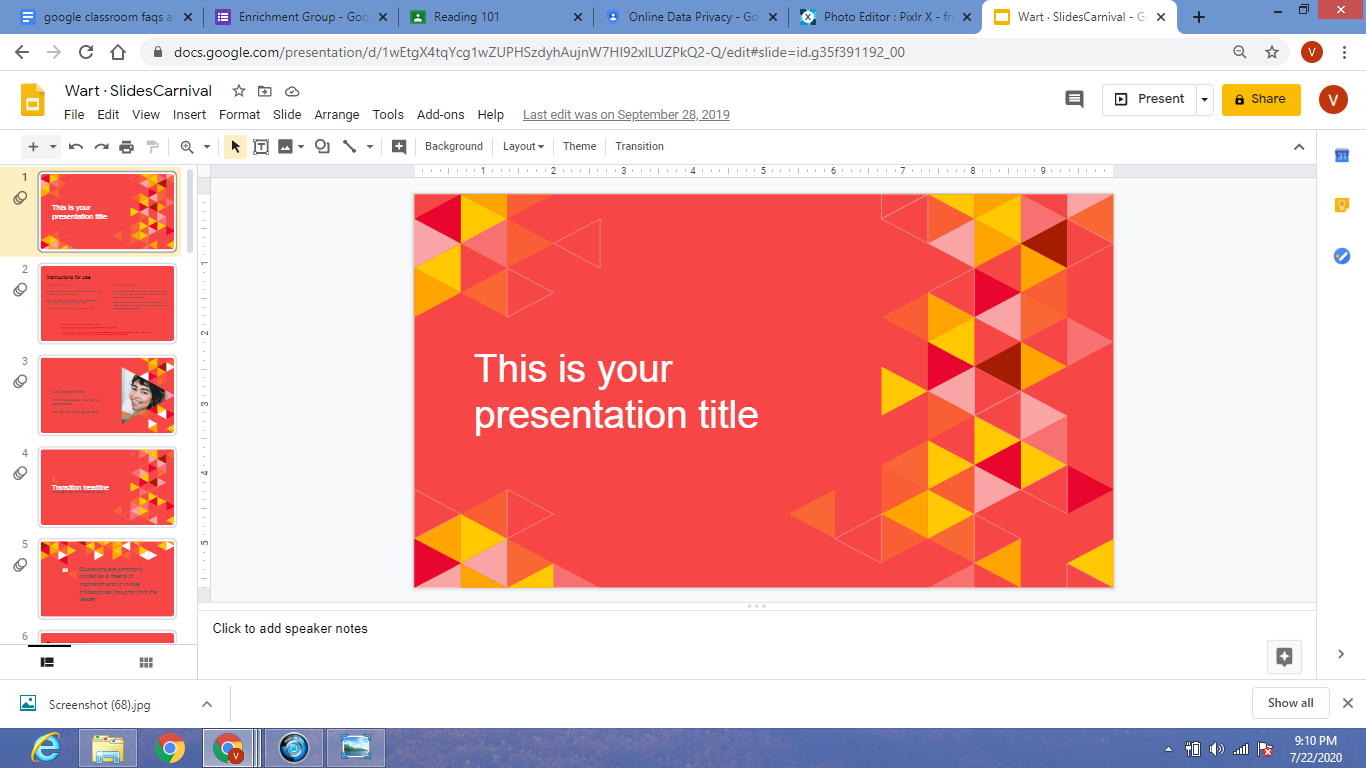
Creating a slideshow on Google Photos is a straightforward process, and this article will take you through the simple steps you need to follow to make an eye-catching slideshow.

Step 1: Log in

The first step to making a slideshow on Google Photos is, of course, to log in to your Google Photos account.Visit https://photos.google.com/ and sign in using your Google account credentials.

Step 2: Select Photos

Once you have logged in, go ahead and select the photos you want to use in your slideshow. You can choose multiple photos by clicking on each photo while holding the CTRL key or by dragging the mouse across all the photos.

Step 3: Click on the Create Button

After selecting the photos, click on the “CREATE” button located on the left side of the screen, then choose “Slideshow” from the options provided.

Step 4: Customize the Slideshow

Once you have selected the “Slideshow,” you will be taken to the customization screen. On this screen, you can customize your slideshow in several ways. You can choose the duration of pictures, add music, and adjust the transition effects.

Step 5: Choose Music

To add music to your slideshow, click on the “Music” option and choose a song from the library offered by Google Photos, or pick an audio file from your device.

Step 6: Finalize

After fully customizing your slideshow, click on the “CREATE SLIDESHOW” button located in the bottom right corner of your screen. Google Photos will then proceed to generate your slideshow, which may take some few moments, depending on the size of the slideshow.

Step 7: Share Your Slideshow

Once the slideshow is complete, you can share it with friends and family by clicking on the share button.

In conclusion, creating a slideshow on Google Photos is a quick and easy process. The platform offers several options and features to customize your slideshow and make it stand out.


Previous Article

How to Make a Slideshow on an ...

Next Article

How to Make a Three-Way Call with ...

Matthew Lynch

Related articles More from author

  • Digital & Mobile Technology

    The Best DDR5 Motherboards

    June 23, 2023
    By Matthew Lynch
  • Digital & Mobile Technology

    Multiplayer Brain Games to Play With Friends

    June 10, 2023
    By Matthew Lynch
  • Digital & Mobile Technology

    How to Download and Install Among Us Mods

    June 22, 2023
    By Matthew Lynch
  • Digital & Mobile Technology

    How to Track Sprint Phones

    May 29, 2023
    By Matthew Lynch
  • Digital & Mobile Technology

    How to Combine Videos on iPhone

    May 27, 2023
    By Matthew Lynch
  • Digital & Mobile Technology

    How to Join a Zoom Meeting

    April 28, 2023
    By Matthew Lynch

Search

Login & Registration

  • Log in
  • Entries feed
  • Comments feed
  • WordPress.org

Newsletter

Signup for The Tech Edvocate Newsletter and have the latest in EdTech news and opinion delivered to your email address!

About Us

Since technology is not going anywhere and does more good than harm, adapting is the best course of action. That is where The Tech Edvocate comes in. We plan to cover the PreK-12 and Higher Education EdTech sectors and provide our readers with the latest news and opinion on the subject. From time to time, I will invite other voices to weigh in on important issues in EdTech. We hope to provide a well-rounded, multi-faceted look at the past, present, the future of EdTech in the US and internationally.

We started this journey back in June 2016, and we plan to continue it for many more years to come. I hope that you will join us in this discussion of the past, present and future of EdTech and lend your own insight to the issues that are discussed.

Newsletter

Signup for The Tech Edvocate Newsletter and have the latest in EdTech news and opinion delivered to your email address!

Contact Us

The Tech Edvocate
910 Goddin Street
Richmond, VA 23231
(601) 630-5238
[email protected]

Copyright © 2026 Matthew Lynch. All rights reserved.