The Tech Edvocate

Top Menu

  • Advertisement
  • Apps
  • Home Page
  • Home Page Five (No Sidebar)
  • Home Page Four
  • Home Page Three
  • Home Page Two
  • Home Tech2
  • Icons [No Sidebar]
  • Left Sidbear Page
  • Lynch Educational Consulting
  • My Account
  • My Speaking Page
  • Newsletter Sign Up Confirmation
  • Newsletter Unsubscription
  • Our Brands
  • Page Example
  • Privacy Policy
  • Protected Content
  • Register
  • Request a Product Review
  • Shop
  • Shortcodes Examples
  • Signup
  • Start Here
    • Governance
    • Careers
    • Contact Us
  • Terms and Conditions
  • The Edvocate
  • The Tech Edvocate Product Guide
  • Topics
  • Write For Us
  • Advertise

Main Menu

  • Start Here
    • Our Brands
    • Governance
      • Lynch Educational Consulting, LLC.
      • Dr. Lynch’s Personal Website
      • Careers
    • Write For Us
    • The Tech Edvocate Product Guide
    • Contact Us
    • Books
    • Edupedia
    • Post a Job
    • The Edvocate Podcast
    • Terms and Conditions
    • Privacy Policy
  • Topics
    • Assistive Technology
    • Child Development Tech
    • Early Childhood & K-12 EdTech
    • EdTech Futures
    • EdTech News
    • EdTech Policy & Reform
    • EdTech Startups & Businesses
    • Higher Education EdTech
    • Online Learning & eLearning
    • Parent & Family Tech
    • Personalized Learning
    • Product Reviews
  • Advertise
  • Tech Edvocate Awards
  • The Edvocate
  • Pedagogue
  • School Ratings

logo

The Tech Edvocate

  • Start Here
    • Our Brands
    • Governance
      • Lynch Educational Consulting, LLC.
      • Dr. Lynch’s Personal Website
        • My Speaking Page
      • Careers
    • Write For Us
    • The Tech Edvocate Product Guide
    • Contact Us
    • Books
    • Edupedia
    • Post a Job
    • The Edvocate Podcast
    • Terms and Conditions
    • Privacy Policy
  • Topics
    • Assistive Technology
    • Child Development Tech
    • Early Childhood & K-12 EdTech
    • EdTech Futures
    • EdTech News
    • EdTech Policy & Reform
    • EdTech Startups & Businesses
    • Higher Education EdTech
    • Online Learning & eLearning
    • Parent & Family Tech
    • Personalized Learning
    • Product Reviews
  • Advertise
  • Tech Edvocate Awards
  • The Edvocate
  • Pedagogue
  • School Ratings
  • A Visitor’s Guide to Fresno (CA), United States

  • A Visitors Guide to New Orleans (LA), United States

  • A Visitors Guide to Sacramento (CA), United States

  • A Visitors Guide to Lyon, France

  • JisuLife Ultra2 Portable Fan: A Powerful Multi-Function Cooling Solution

  • A Visitors Guide to Viña del Mar, Chile

  • A Visitors Guide to Århus, Denmark

  • A Visitors Guide to Bakersfield (CA), United States

  • A Visitors Guide to Aurora (CO), United States

  • A Visitor’s Guide to Toledo (OH), United States

Early Childhood & K-12 EdTech
Home›Early Childhood & K-12 EdTech›10 Ways to Use Student-Created Videos in the Classroom

10 Ways to Use Student-Created Videos in the Classroom

By Matthew Lynch
April 11, 2018
0
Spread the love

Students love creating videos, and a “bring your device” policy makes it easy to provide video equipment to everyone in your classroom. Here are ten ways to use student-created videos in the classroom:

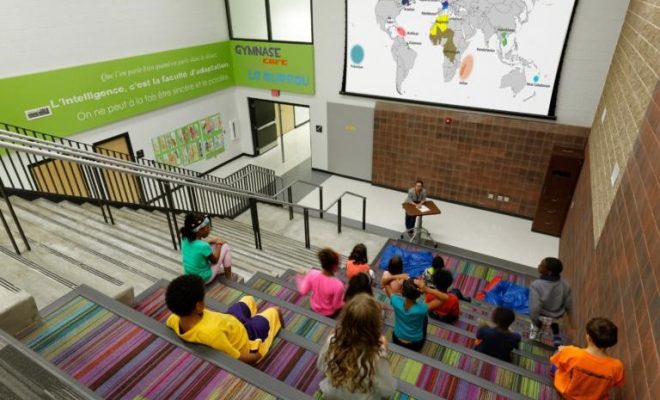
  1. Let the students teach the lessons. One way to create a student-centered learning environment is to allow students to present new content to their classmates. Divide up the material to be covered and assign students to present it on video so that their classmates will understand the concept. Then, students can learn as they watch each other’s videos.
  2. Student-created videos can be used in a flipped classroom. Students learn new material at home via a video provided by the teacher, but then create their video at home to show their learning. In class, teachers and students can watch the videos to assess and respond to them.
  3. Introduce students to Edpuzzle, which allows the user to add assessment questions to any video. Students can add questions to their videos by, for example, surveying their classmates’ opinions on the topic of their video.
  4. Use videos to practice public speaking. Students, especially those who are learning a new language, are often hesitant to speak in front of the class. Allowing them to record a video gives them more control over their presentation since they know that they can re-record and edit as needed. This confidence boost can improve fluency.
  5. Adapt the practice of “think-pair-share” to video by having students create a video to show their learning, then show it to a partner for feedback, then edit as necessary, and finally, share it with the entire class.
  6. Use student-created videos to provide a venue beyond the walls of your classroom for students to share their learning. For example, they might record a review of a book that they have read and share it with a friend or relative for feedback.
  7. Find a class in another location to partner with and then use student-created videos to expand the horizons of both classes. For example, your students can test water quality, describe their lunch in a foreign language, or share their opinions on a current event on video, and then swap videos with a class in another country.
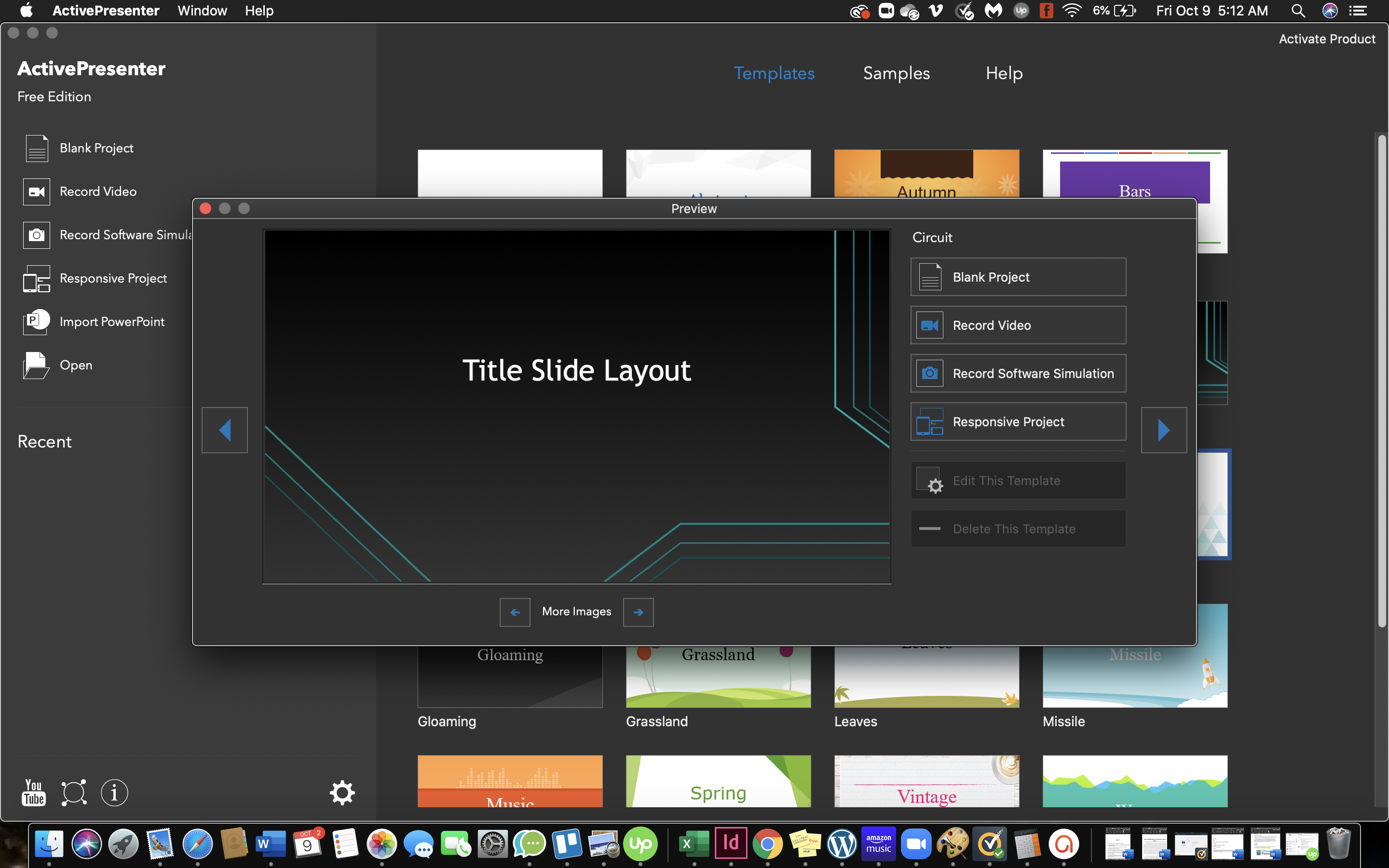
  8. A screencasting tool will let students create videos that also incorporate their computer screens, which means that they can, for example, have Google Slides in a video. This allows them to share various kinds of media in a video that would otherwise be difficult if not impossible to incorporate.
  9. Student-created videos can be a stellar method for authentic assessment since they can take the form of, for example, a presentation to a hypothetical board of directors, city council, potential client, or professional conference.
  10. A student-created video is an ideal way to refine knowledge and provide feedback. It would, for example, be awkward to stop a student in the middle of a live presentation to comment, but stopping a video is much more appropriate. Thus, student-created videos can be used either one-on-one or with the entire class to analyze the presentation and give detailed feedback to the student.
Previous Article

Google Search Tips Students Should Know About

Next Article

How to Transform Your Classroom into a ...

Matthew Lynch

Related articles More from author

  • Early Childhood & K-12 EdTechHigher Education EdTech

    DIY Hacks for Your Old Laptop

    July 20, 2020
    By Matthew Lynch
  • Early Childhood & K-12 EdTechHigher Education EdTech

    3 Essential Factors for Schools to Consider When Using Predictive Analytics

    March 16, 2020
    By Matthew Lynch
  • Early Childhood & K-12 EdTech

    Is Student Surveillance Paying Off for K-12 Schools?

    June 3, 2019
    By Matthew Lynch
  • Early Childhood & K-12 EdTechEdTech Startups & BusinessesHigher Education EdTech

    6 Expert Tips for Finding Edtech Jobs

    August 12, 2018
    By Matthew Lynch
  • Early Childhood & K-12 EdTechHigher Education EdTech

    Using Technology to Better Manage Your Time

    November 14, 2016
    By Matthew Lynch
  • Early Childhood & K-12 EdTechHigher Education EdTech

    Using Digital Tools to Revolutionize Your School Cafeteria

    August 25, 2018
    By Matthew Lynch

Search

Login & Registration

  • Register
  • Log in
  • Entries feed
  • Comments feed
  • WordPress.org

Newsletter

Signup for The Tech Edvocate Newsletter and have the latest in EdTech news and opinion delivered to your email address!

About Us

Since technology is not going anywhere and does more good than harm, adapting is the best course of action. That is where The Tech Edvocate comes in. We plan to cover the PreK-12 and Higher Education EdTech sectors and provide our readers with the latest news and opinion on the subject. From time to time, I will invite other voices to weigh in on important issues in EdTech. We hope to provide a well-rounded, multi-faceted look at the past, present, the future of EdTech in the US and internationally.

We started this journey back in June 2016, and we plan to continue it for many more years to come. I hope that you will join us in this discussion of the past, present and future of EdTech and lend your own insight to the issues that are discussed.

Newsletter

Signup for The Tech Edvocate Newsletter and have the latest in EdTech news and opinion delivered to your email address!

Contact Us

The Tech Edvocate
910 Goddin Street
Richmond, VA 23231
(601) 630-5238
[email protected]

Copyright © 2025 Matthew Lynch. All rights reserved.