Applying Universal Design for Learning in Remote Classrooms
The Universal Design for Learning (UDL) is such a big deal that the Every Student Succeeds Act (ESSA) mentions it by name. This is America’s main law concerning education. It encourages the use of federal funding to give teachers the ability to implement UDL and expand its use further in the classroom.
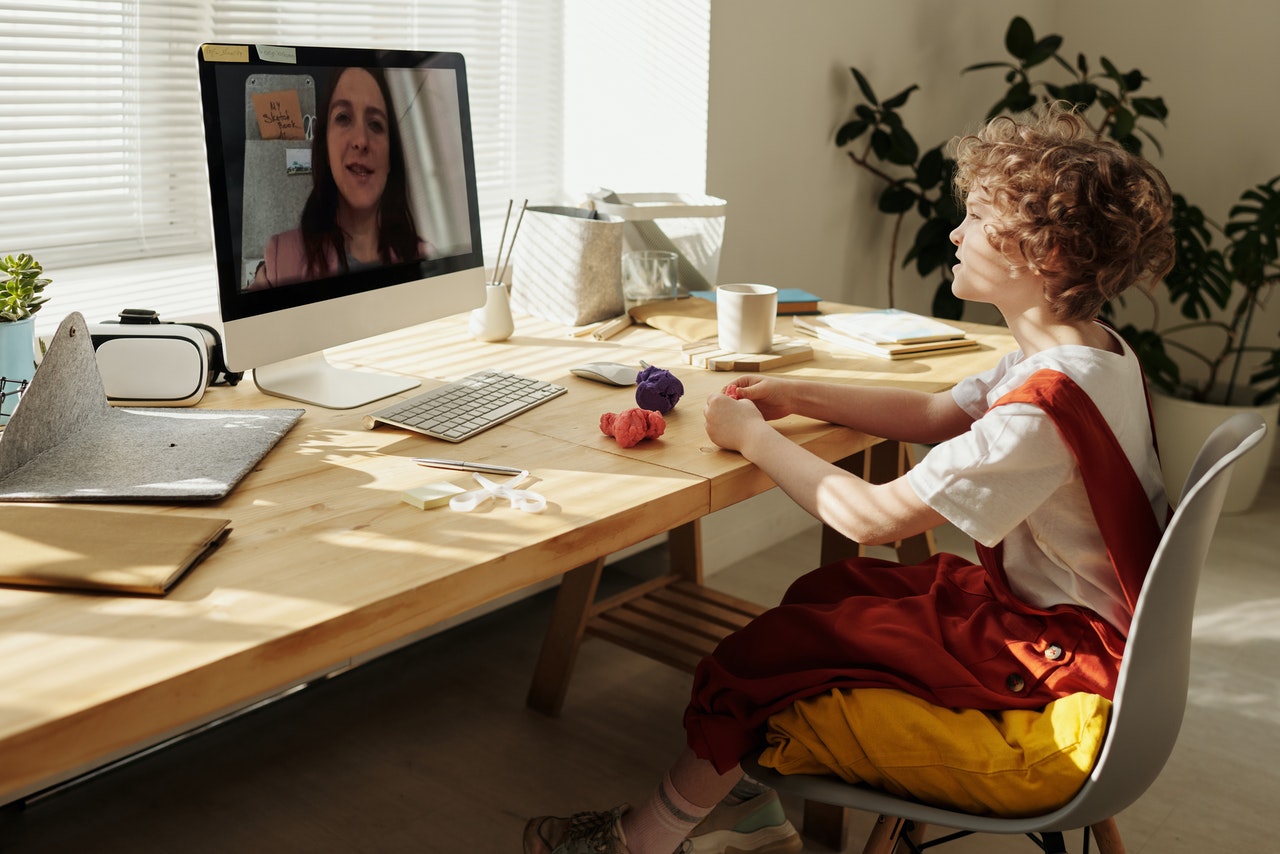
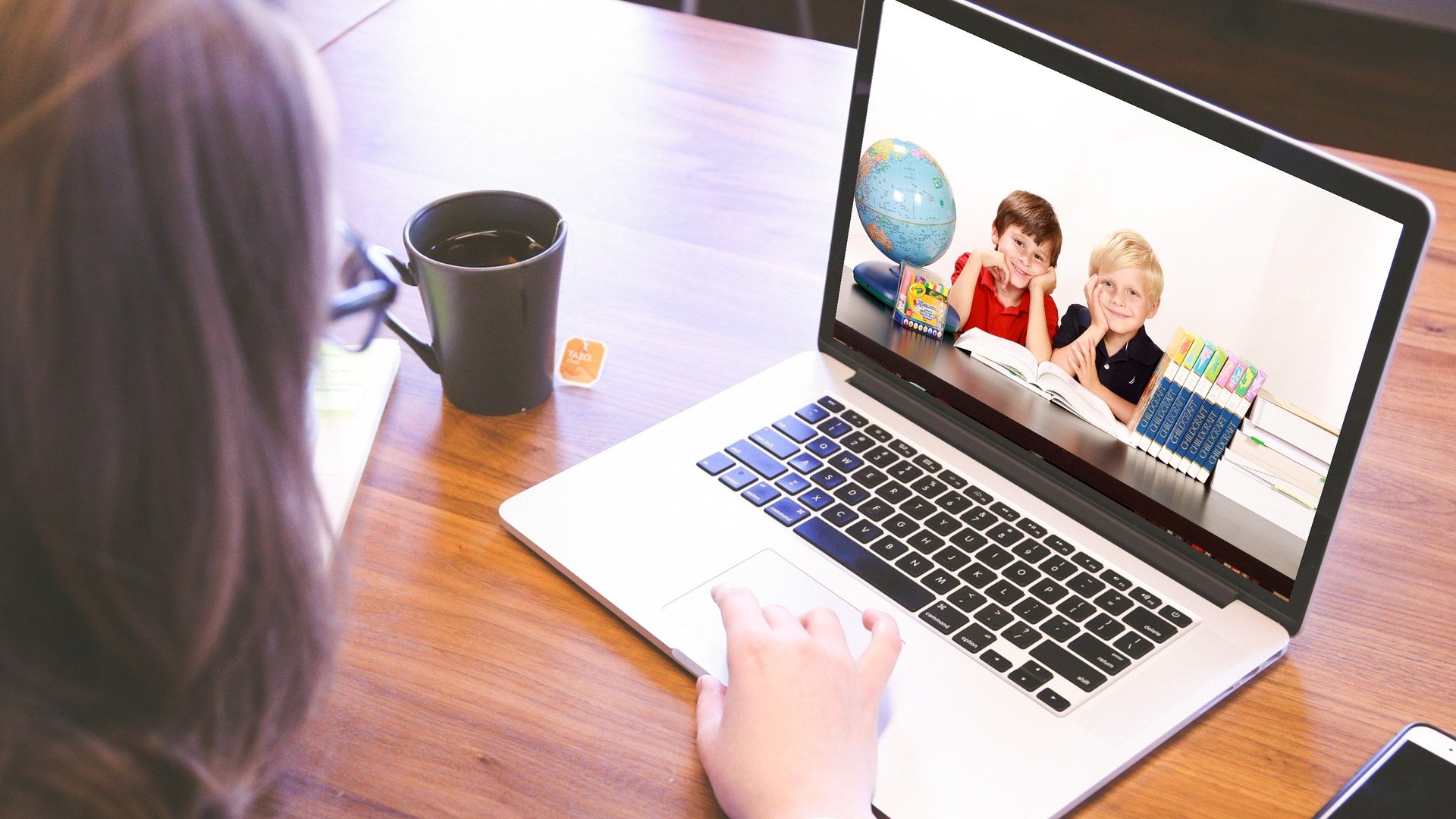
Now that education has changed so drastically due to COVID-19, bringing on the use of remote classrooms, some teachers find using UDL a bit trickier. However, we are constantly learning more about applying Universal Design for Learning in remote classrooms.
What Is UDL?
The Universal Design for Learning is a framework for teaching. This framework is meant to give both educators and curriculum designers guidelines with which they can be sure that their students receives everything they need to thrive in the classroom.
UDL provides learners with options that allow them to regulate their own learning. They encourage the teacher to use their teaching, activities, and media to sustain their students’ motivation and effort. Because of these faucets, when properly used, UDL interests and engages each student.
The Basic Principles of UDL
To accomplish these goals, it offers various avenues of representation (the “what” of learning), action and expression (the “how”), and engagement (the “why”).
- “Representation” is the first principle of Universal Design for Learning. When using this principle, teachers teach the same material in several different ways. This way they can reach the auditory, visual, and tactile learners where they are.
- The principle of “engagement” is just that—finding a way to engage each individual student. Teachers must find a way to pique each child’s interest. If you don’t have a student’s interest, you cannot hold that interest so that you can teach them.
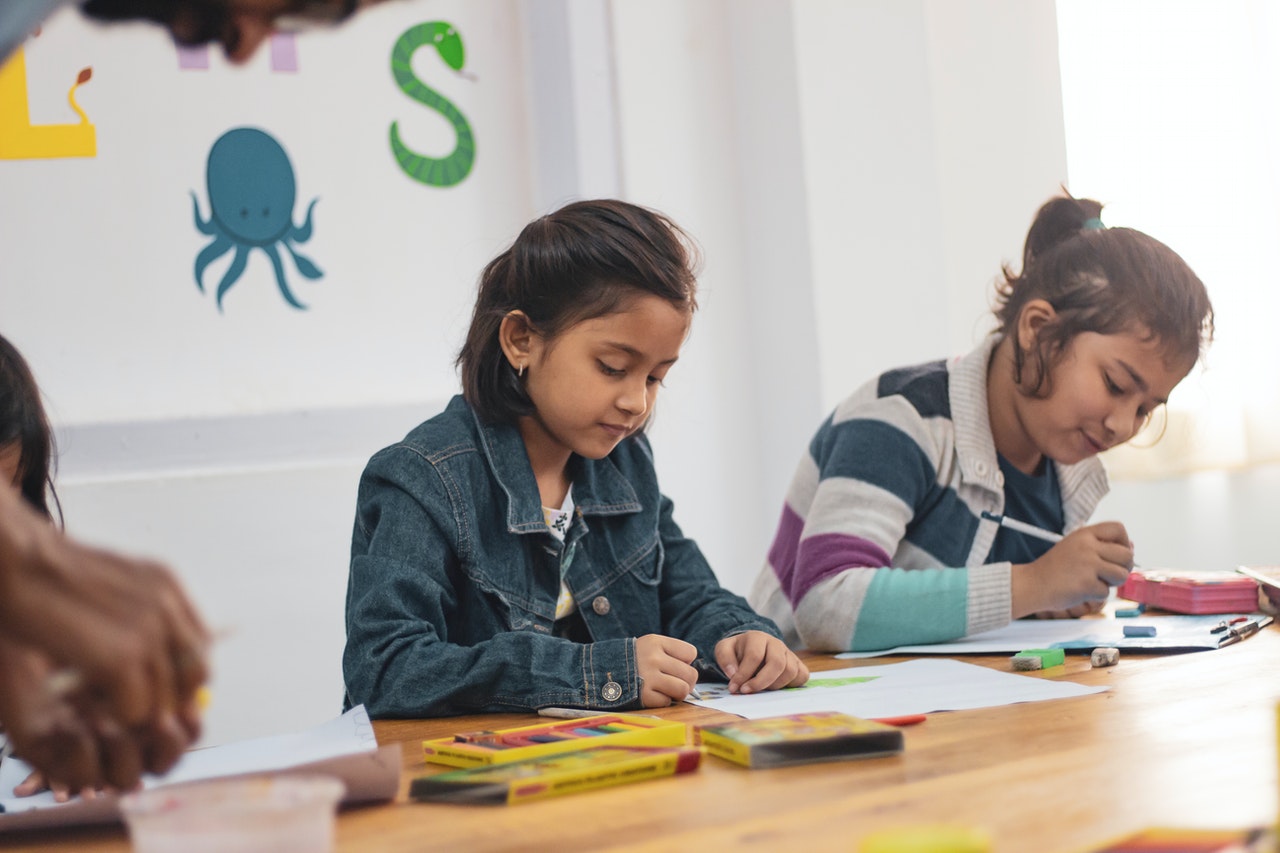
- “Action and expression” allows students to demonstrate what they’ve learned in their own way. They can choose to do any of several things. A few options that might be presented are writing an essay, drawing a diagram, or building a model.
How Do We Apply UDL in Remote Classrooms?
Representation
As I said, this principle has to do with representing the material so that it can be accessed by learners of all types and stripes. To apply this principle of Universal Design for Learning in remote classrooms, try these ideas:
- You might offer each lesson in audio, text, and video. You could also incorporate text into a video by providing captions. The students could then choose which medium works best for them.
- You can create a wordsearch or multiplication game for your students using Pedagogue. Pedagogue is a great platform for creating many different types of lessons.
- Another way to vary the representation of material is to vary between large group instruction in the “teaching” setting during class instruction time and smaller group time using breakout rooms (if you’re using Zoom). These breakout rooms can be used to hold group discussions, debates, brainstorming sessions, and more.
Engagement
How do you engage students in a remote classroom? There are several ways to make this happen. Here are a few ideas:
- Work together with the students to create a classroom constitution or pact between teacher and student. When you do this, the students feel more a part of their classroom. It’s easier to stay motivated at learning material in a classroom that makes you feel like you’re a part of something special.
- You might also allow students to choose their extra study time through watching videos, reading a PDF, or completing an assignment where they must study out the topic themselves and write a short essay.
- Find a learning game that will teach the students the same concept that you are teaching in your lesson. Give them a set time to play. There are always new EdTech tools being created, more websites being established, and new learning games being developed. Study these out. Use them. Engage your students!
Action and Expression
There are several different ways you can implement technology to provide various methods for action and expression in the remote classroom. Assessments can be just as easily varied here as they can be in the traditional classroom. Following are some suggestions:
- Let the students record a video that teaches what they learned during the lesson.
- Give the students the reins to create a comic strip depicting the main objective of the lesson.
- Allow the students to write an essay on the subject and draw an accompanying picture or diagram.
Remember that, when using the Universal Design for Learning, student performance is measured frequently and feedback given often. In this way, the students have a more sufficient yardstick with which to measure themselves against and can adjust their course more regularly. They can then be gently redirected back in the right direction if they are “off-course” rather than having to relearn material due to having been off-course for far too long.
Conclusion
The best thing about UDL is that, unlike many teaching methods, it does not only cater to one group of students. UDL was created with those in mind who have attention issues or learning difficulties. Due to this, teachers using this approach are able to maximize student potential and learning by minimizing the barriers many students face. When applying Universal Design for Learning in remote classrooms, everyone benefits, because when you present the lesson in a way that it will grab the attention of even the more difficult learner, your entire class will be learning the material well enough for long-term memory and reproduction!