The Tech Edvocate

Top Menu

  • Advertisement
  • Apps
  • Home Page
  • Home Page Five (No Sidebar)
  • Home Page Four
  • Home Page Three
  • Home Page Two
  • Home Tech2
  • Icons [No Sidebar]
  • Left Sidbear Page
  • Lynch Educational Consulting
  • My Account
  • My Speaking Page
  • Newsletter Sign Up Confirmation
  • Newsletter Unsubscription
  • Our Brands
  • Page Example
  • Privacy Policy
  • Protected Content
  • Register
  • Request a Product Review
  • Shop
  • Shortcodes Examples
  • Signup
  • Start Here
    • Governance
    • Careers
    • Contact Us
  • Terms and Conditions
  • The Edvocate
  • The Tech Edvocate Product Guide
  • Topics
  • Write For Us
  • Advertise

Main Menu

  • Start Here
    • Our Brands
    • Governance
      • Lynch Educational Consulting, LLC.
      • Dr. Lynch’s Personal Website
      • Careers
    • Write For Us
    • The Tech Edvocate Product Guide
    • Contact Us
    • Books
    • Edupedia
    • Post a Job
    • The Edvocate Podcast
    • Terms and Conditions
    • Privacy Policy
  • Topics
    • Assistive Technology
    • Child Development Tech
    • Early Childhood & K-12 EdTech
    • EdTech Futures
    • EdTech News
    • EdTech Policy & Reform
    • EdTech Startups & Businesses
    • Higher Education EdTech
    • Online Learning & eLearning
    • Parent & Family Tech
    • Personalized Learning
    • Product Reviews
  • Advertise
  • Tech Edvocate Awards
  • The Edvocate
  • Pedagogue
  • School Ratings

logo

The Tech Edvocate

  • Start Here
    • Our Brands
    • Governance
      • Lynch Educational Consulting, LLC.
      • Dr. Lynch’s Personal Website
        • My Speaking Page
      • Careers
    • Write For Us
    • The Tech Edvocate Product Guide
    • Contact Us
    • Books
    • Edupedia
    • Post a Job
    • The Edvocate Podcast
    • Terms and Conditions
    • Privacy Policy
  • Topics
    • Assistive Technology
    • Child Development Tech
    • Early Childhood & K-12 EdTech
    • EdTech Futures
    • EdTech News
    • EdTech Policy & Reform
    • EdTech Startups & Businesses
    • Higher Education EdTech
    • Online Learning & eLearning
    • Parent & Family Tech
    • Personalized Learning
    • Product Reviews
  • Advertise
  • Tech Edvocate Awards
  • The Edvocate
  • Pedagogue
  • School Ratings
  • Unbelievable: This One Ad Sparked Mass Fury — And It’s Not What You Think

  • Urgent: 25,000 Dressers Recalled on Amazon, Wayfair – A Fatal Flaw You Need to Know

  • This Wild AI Startup Feud Is Exposing the Dark Side of Viral Marketing

  • Unbelievable: Judges Just Upheld the Trump Blacklisting of a Major AI Startup

  • The Scandalous PapaSmithy Apology: Why Fans Are Still Furious About FlyQuest’s Controversial Video

  • Macau Gaming Dispute Escalates to Classroom Knife Attack: A Troubling Warning

  • School Surveys & Student Privacy: A Parent Guide for 2026

  • The Billion-Dollar Blunder: Why AI Detection Software Is Failing Our Students

  • China’s 5-Minute EV Charge: The Staggering Truth America Ignores

  • This Astonishing Nikon AI Controversy Exposes Science’s New Frontier

Digital & Mobile Technology
Home›Digital & Mobile Technology›Everything You Need to Know About Gmail’s Login Security Warning Alerts

Everything You Need to Know About Gmail’s Login Security Warning Alerts
By Matthew Lynch
June 6, 2023
0
Spread the love

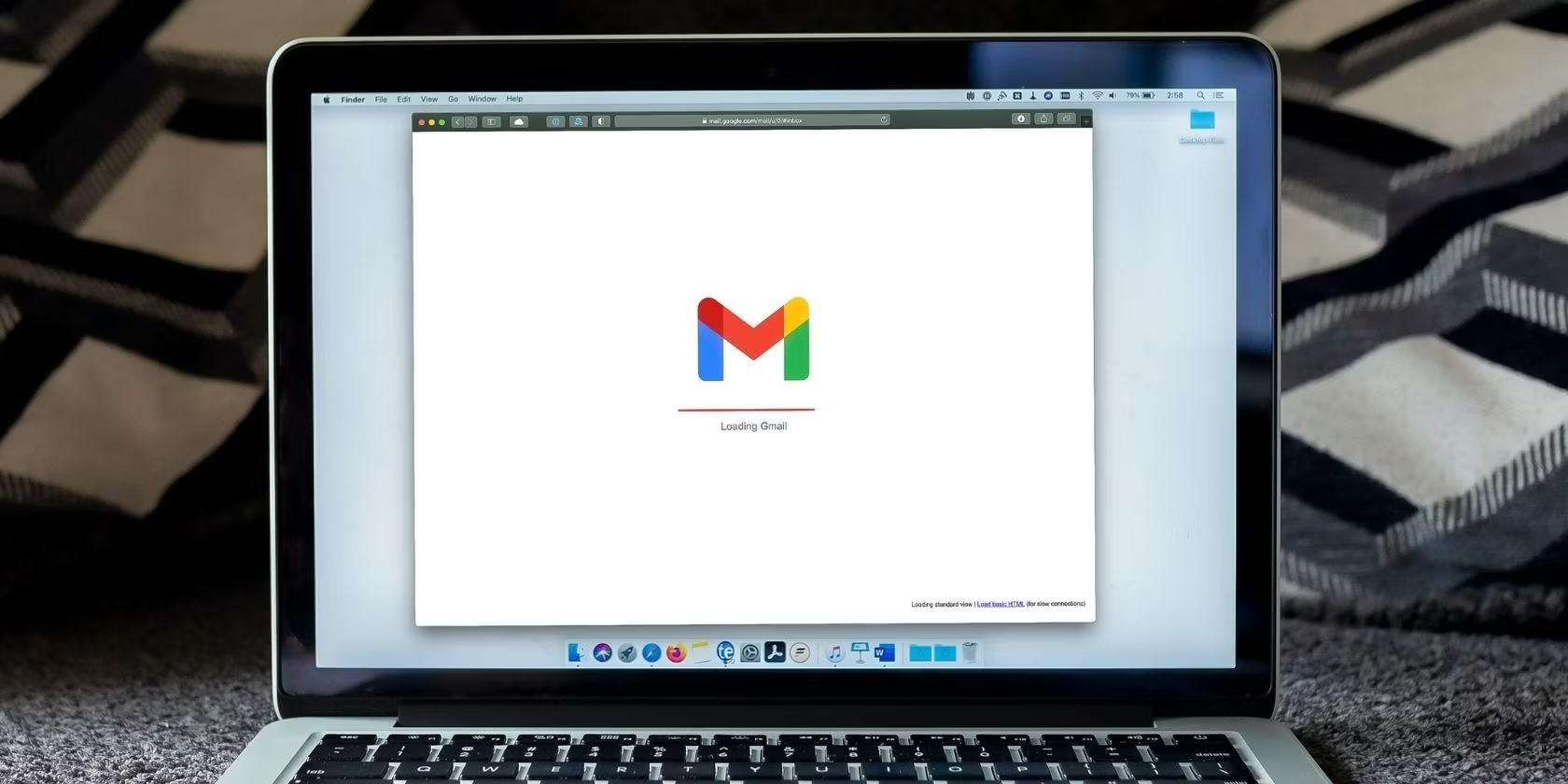
Gmail has been one of the most widely used email services in the world for several years now. Millions of people use it to send and receive emails daily, and while Gmail has always been known for its security features, it recently introduced an additional layer of security for its users in the form of security warnings. These security warnings alert users when there has been an attempt to log in to their Gmail account from an unusual location or when they receive a suspicious email.

So, what exactly do these Gmail login security warnings entail and how can users make the most of them? Here’s all you need to know:

1. How do the Gmail login security warnings work?

When a user logs in to their Gmail account, Google’s algorithms evaluate the user’s activity to determine whether it is the owner or an intruder who is logging in. If the evaluation detects any suspicious activity, the user’s account will be logged out automatically, and the user will receive an email alerting them to the login attempt.

2. Why are these security warnings important?

These Gmail login security warnings are extremely important because they help prevent unauthorized access to your personal information. They alert you when someone is attempting to log in to your account from an unusual location, which is a sign that your password may have been compromised. By being alerted quickly, you can take immediate action and change your password to keep your account safe.

3. How to enable Gmail login security warnings?

By default, Gmail’s security warnings are enabled. So, as a user, all you have to do is ensure that you have turned on notifications for your Gmail account. To do this, go to your Gmail account settings and select “notifications”. From there, you can choose to receive email, text, or push notifications for your security warnings.

4. What should you do when you receive a Gmail login security warning alert?

When you receive a Gmail login security warning alert, you should take immediate action to secure your account. Firstly, you should change your password. Second, enable two-factor authentication to add an extra layer of security to your account. Third, check for any suspicious or unknown activity in your account, such as emails you didn’t send or suspicious contacts or messages. Fourth, inform Google immediately if you think someone has hacked your account.


Previous Article

Free Fan-Made Pokémon MMOs All Trainers Will ...

Next Article

How to Access Your Google History and ...

Matthew Lynch

Related articles More from author

  • Digital & Mobile Technology

    Best Amazon Alternatives to Buy Books Online

    June 23, 2023
    By Matthew Lynch
  • Digital & Mobile Technology

    How to Upgrade Windows XP to Windows 7 Without Losing All Your Settings

    May 30, 2023
    By Matthew Lynch
  • Digital & Mobile Technology

    How to Cancel Bumble Boost on iOS and Android

    June 9, 2023
    By Matthew Lynch
  • Digital & Mobile Technology

    What Are the Advantages of Using an eSIM Smartphone?

    June 14, 2023
    By Matthew Lynch
  • Digital & Mobile Technology

    What is Zend Optimizer?

    May 15, 2023
    By Matthew Lynch
  • Digital & Mobile TechnologySocial Media & Education

    How to Add Pictures to TikTok

    June 3, 2023
    By Matthew Lynch

Search

Login & Registration

  • Log in
  • Entries feed
  • Comments feed
  • WordPress.org

Newsletter

Signup for The Tech Edvocate Newsletter and have the latest in EdTech news and opinion delivered to your email address!

About Us

Since technology is not going anywhere and does more good than harm, adapting is the best course of action. That is where The Tech Edvocate comes in. We plan to cover the PreK-12 and Higher Education EdTech sectors and provide our readers with the latest news and opinion on the subject. From time to time, I will invite other voices to weigh in on important issues in EdTech. We hope to provide a well-rounded, multi-faceted look at the past, present, the future of EdTech in the US and internationally.

We started this journey back in June 2016, and we plan to continue it for many more years to come. I hope that you will join us in this discussion of the past, present and future of EdTech and lend your own insight to the issues that are discussed.

Newsletter

Signup for The Tech Edvocate Newsletter and have the latest in EdTech news and opinion delivered to your email address!

Contact Us

The Tech Edvocate
910 Goddin Street
Richmond, VA 23231
(601) 630-5238
[email protected]

Copyright © 2026 Matthew Lynch. All rights reserved.