Assistive Technology
-
How to Disable Background Apps in Windows 11
Windows 11 is the latest operating system from Microsoft that promises a faster, smoother and more efficient user experience. Although it has enhanced performance ... -
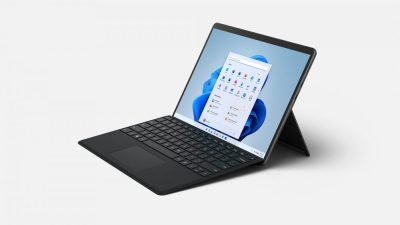
How to Take a Screenshot on a Surface Pro Tablet
If you’re a Surface Pro tablet owner, you’ll eventually find yourself wanting to take a screenshot of something on your screen. Whether it’s a ... -
How to Change Which Facebook Friends Can See You Online
Facebook is a great way to stay connected with friends near and far. However, sometimes you may not want certain friends to know when ... -
How to Force Linux Users to Change Password at Next Login
In today’s world, password security has become more important than ever before. The rise of cyberattacks and data breaches have put everyone at risk, ... -
How to Unprotect Excel Sheets and Workbooks
Excel sheets and workbooks can be protected by users to prevent unauthorized editing or changes. However, there are times when one needs to unprotect ... -
How to Get the Absolute Value of a Number or a Matrix in Excel
Absolute value is a mathematical term that is defined as the distance between a number and zero, irrespective of its sign. In Excel, the ... -
How to Change the AirDrop Name on iPhone, iPad, and Mac
AirDrop is a quick and easy way to share files between Apple devices. It’s an essential feature that can help you transfer photos, videos, ... -
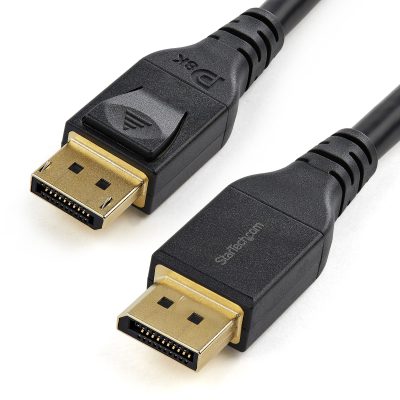
How to Choose a DisplayPort Cable
As displays and display technologies continue to evolve, the need for high-quality cables has become increasingly important. DisplayPort cables have become a popular choice ... -
How to Fix the “Nvidia Display Settings Are Not Available” Error on the Nvidia Control Panel for Windows
If you have an Nvidia graphics card on your Windows PC, then you probably use the Nvidia Control Panel to manage its settings. However, ... -
Ways to Fix Keyboard Shortcuts Not Working in Windows 10
Keyboard shortcuts are really helpful when you are working on your Windows 10 device. It saves you a lot of time and effort. However, ...