The Tech Edvocate

Top Menu

  • Advertisement
  • Apps
  • Home Page
  • Home Page Five (No Sidebar)
  • Home Page Four
  • Home Page Three
  • Home Page Two
  • Home Tech2
  • Icons [No Sidebar]
  • Left Sidbear Page
  • Lynch Educational Consulting
  • My Account
  • My Speaking Page
  • Newsletter Sign Up Confirmation
  • Newsletter Unsubscription
  • Our Brands
  • Page Example
  • Privacy Policy
  • Protected Content
  • Register
  • Request a Product Review
  • Shop
  • Shortcodes Examples
  • Signup
  • Start Here
    • Governance
    • Careers
    • Contact Us
  • Terms and Conditions
  • The Edvocate
  • The Tech Edvocate Product Guide
  • Topics
  • Write For Us
  • Advertise

Main Menu

  • Start Here
    • Our Brands
    • Governance
      • Lynch Educational Consulting, LLC.
      • Dr. Lynch’s Personal Website
      • Careers
    • Write For Us
    • The Tech Edvocate Product Guide
    • Contact Us
    • Books
    • Edupedia
    • Post a Job
    • The Edvocate Podcast
    • Terms and Conditions
    • Privacy Policy
  • Topics
    • Assistive Technology
    • Child Development Tech
    • Early Childhood & K-12 EdTech
    • EdTech Futures
    • EdTech News
    • EdTech Policy & Reform
    • EdTech Startups & Businesses
    • Higher Education EdTech
    • Online Learning & eLearning
    • Parent & Family Tech
    • Personalized Learning
    • Product Reviews
  • Advertise
  • Tech Edvocate Awards
  • The Edvocate
  • Pedagogue
  • School Ratings

logo

The Tech Edvocate

  • Start Here
    • Our Brands
    • Governance
      • Lynch Educational Consulting, LLC.
      • Dr. Lynch’s Personal Website
        • My Speaking Page
      • Careers
    • Write For Us
    • The Tech Edvocate Product Guide
    • Contact Us
    • Books
    • Edupedia
    • Post a Job
    • The Edvocate Podcast
    • Terms and Conditions
    • Privacy Policy
  • Topics
    • Assistive Technology
    • Child Development Tech
    • Early Childhood & K-12 EdTech
    • EdTech Futures
    • EdTech News
    • EdTech Policy & Reform
    • EdTech Startups & Businesses
    • Higher Education EdTech
    • Online Learning & eLearning
    • Parent & Family Tech
    • Personalized Learning
    • Product Reviews
  • Advertise
  • Tech Edvocate Awards
  • The Edvocate
  • Pedagogue
  • School Ratings
  • The Silent Revolution: How AI Property Valuation Is Quietly Reshaping Real Estate

  • The Astonishing Truth: Why Your Dream Car Is Now a $52,000 Illusion

  • Toxic Algorithms: Why Your Bank’s AI Could Cost You Everything

  • OpenAI’s GPT-6 Cyber: A Dangerous New AI Threat or Our Ultimate Digital Guardian?

  • This Game-Changing Natural Ozempic Alternative Just Blew Up on Social Media

  • Bónuszösszeg, ingyen pörgetés és befizetési feltétel: üdvözlő és befizetés nélküli kaszinóajánlatok magyar játékosoknak

  • 9 Critical Reasons Why Athexio Might Be The Investment You Need (Or Should Avoid)

  • A Single Breakthrough Could Finally Kill Range Anxiety for Millions of EV Owners

  • Your Money, Their AI: The Secret Agents Invading Bank Accounts

  • US Battery as a Service Market Shifts Toward Fleet-Based Energy

Digital & Mobile Technology
Home›Digital & Mobile Technology›How to Fix Call of Duty: Warzone’s 0xc0000005 Error in Windows 11 and 10

How to Fix Call of Duty: Warzone’s 0xc0000005 Error in Windows 11 and 10
By Matthew Lynch
June 5, 2023
0
Spread the love

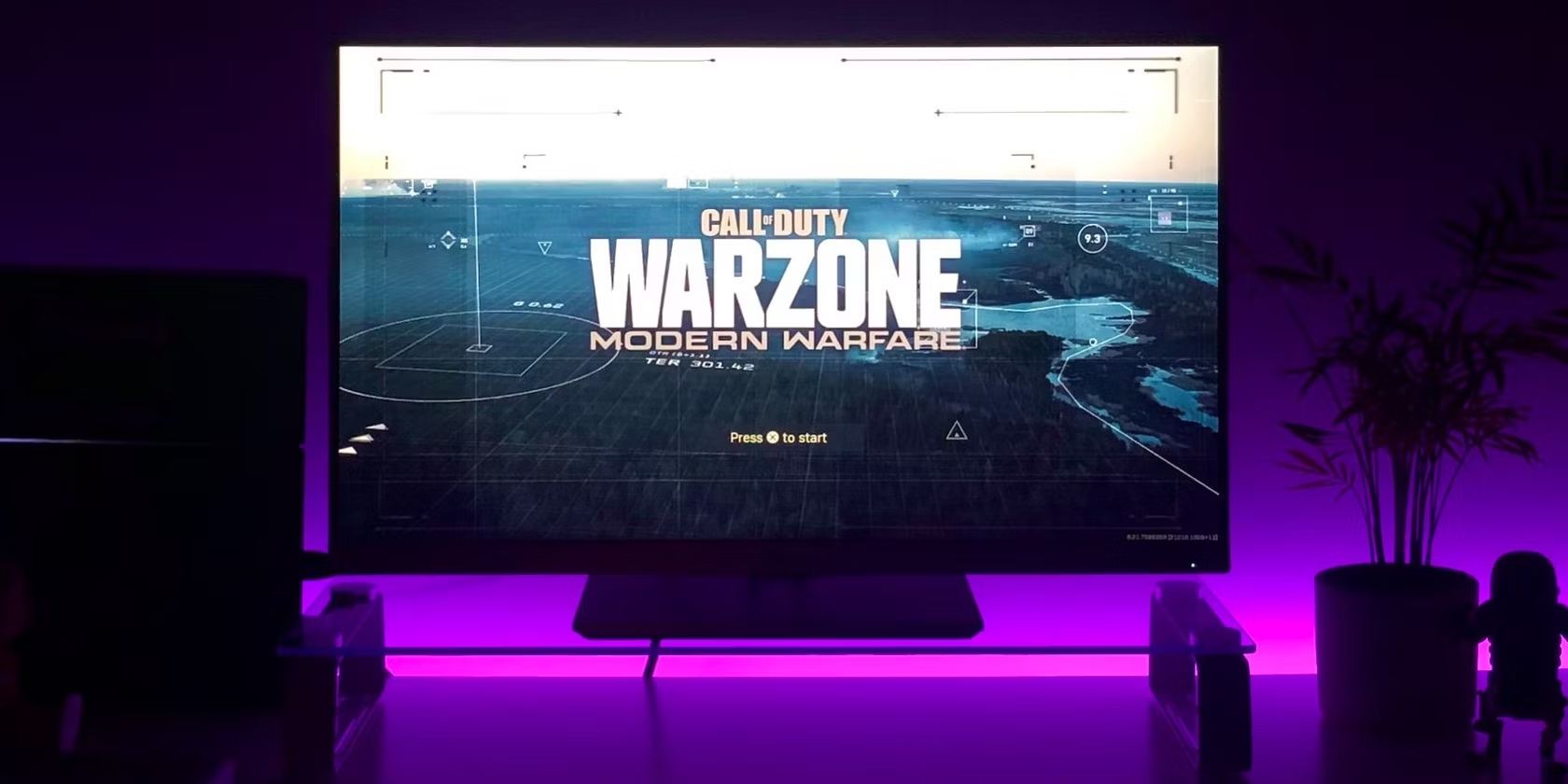
Call of Duty: Warzone is one of the most popular online multiplayer games available. It is available for both Windows 11 and Windows 10, but sometimes players encounter issues while playing the game. One of the most common errors faced by players is the 0xc0000005 error. This error can be frustrating and can affect gameplay. In this guide, we will show you how to fix Call of Duty: Warzone’s 0xc0000005 error in Windows 11 and 10.

What is the 0xc0000005 Error?

The 0xc0000005 error is a common error message that players encounter while playing Call of Duty: Warzone. This error occurs when the game is unable to read certain files or is not able to access specific parts of a file. This error can be caused by various factors, including corrupted game files, outdated drivers, and hardware-related issues.

How to Fix the 0xc0000005 Error in Call of Duty: Warzone

There are several ways to fix the 0xc0000005 error in Call of Duty: Warzone. Here are some of the most effective ways:

Method 1: Verify Game Files

The first thing you should do is to verify the game files. This will ensure that all the necessary files are present and intact. To verify game files, follow these steps:

Step 1: Open the Battle.net launcher.

Step 2: Click on Call of Duty: Warzone and select Options.

Step 3: Click on Show in Explorer under the Game Settings section.

Step 4: Right-click on the ModernWarfare.exe file and select Properties.

Step 5: Select the Local Files tab and click on Verify Integrity of Game Files.

Step 6: Wait for the process to complete.

Once the process is complete, launch Call of Duty: Warzone and check if the 0xc0000005 error is resolved.

Method 2: Update Drivers

Outdated drivers can cause conflicts with the game and lead to the 0xc0000005 error. To update drivers, follow these steps:

Step 1: Press the Windows key + X and select Device Manager.

Step 2: Expand each category and look for any devices with a yellow exclamation mark.

Step 3: Right-click on the device and select Update Driver.

Step 4: Follow the on-screen instructions to update the driver.

Repeat the process for all devices with a yellow exclamation mark. Once all drivers are updated, restart your computer and check if the error is resolved.

Method 3: Disable Overclocking

Overclocking is a common technique used to increase the performance of a computer. However, it can cause stability issues and lead to the 0xc0000005 error. If you have overclocked your computer, you should disable it and check if the error is resolved.

Method 4: Run a Malware Scan

Malware can also cause the 0xc0000005 error. To run a malware scan, follow these steps:

Step 1: Press the Windows key + I and select Update & Security.

Step 2: Click on Windows Security and select Virus & threat protection.

Step 3: Click on Scan options and select Full scan.

Step 4: Click on Scan now and wait for the process to complete.

If any malware is detected, follow the on-screen instructions to remove it.

Conclusion

The 0xc0000005 error can be frustrating, but it can usually be resolved by following the above methods. If none of these methods work, you may need to reinstall the game or contact the game’s support team for further assistance. With these steps, you should be able to fix the 0xc0000005 error in Call of Duty: Warzone in Windows 11 and 10.


Previous Article

What Is a G-Code File and How ...

Next Article

How Do Solid-State Drives Work?

Matthew Lynch

Related articles More from author

  • Digital & Mobile Technology

    How to Fix a Connection-Is-Not Private Error

    June 9, 2023
    By Matthew Lynch
  • Digital & Mobile Technology

    Great Movie Review Sites For Parents With Kids In Mind

    June 15, 2023
    By Matthew Lynch
  • Digital & Mobile Technology

    3D TV Is Dead—What You Need To Know

    June 6, 2023
    By Matthew Lynch
  • Digital & Mobile Technology

    The 13 Best Mother’s Day E-Card Sites of 2023

    June 14, 2023
    By Matthew Lynch
  • Digital & Mobile Technology

    How to Permanently Delete Emails in Outlook

    July 15, 2023
    By Matthew Lynch
  • Digital & Mobile Technology

    What Is Geotagging?

    June 4, 2023
    By Matthew Lynch

Search

Login & Registration

  • Log in
  • Entries feed
  • Comments feed
  • WordPress.org

Newsletter

Signup for The Tech Edvocate Newsletter and have the latest in EdTech news and opinion delivered to your email address!

About Us

Since technology is not going anywhere and does more good than harm, adapting is the best course of action. That is where The Tech Edvocate comes in. We plan to cover the PreK-12 and Higher Education EdTech sectors and provide our readers with the latest news and opinion on the subject. From time to time, I will invite other voices to weigh in on important issues in EdTech. We hope to provide a well-rounded, multi-faceted look at the past, present, the future of EdTech in the US and internationally.

We started this journey back in June 2016, and we plan to continue it for many more years to come. I hope that you will join us in this discussion of the past, present and future of EdTech and lend your own insight to the issues that are discussed.

Newsletter

Signup for The Tech Edvocate Newsletter and have the latest in EdTech news and opinion delivered to your email address!

Contact Us

The Tech Edvocate
910 Goddin Street
Richmond, VA 23231
(601) 630-5238
[email protected]

Copyright © 2026 Matthew Lynch. All rights reserved.