The Tech Edvocate

Top Menu

  • Advertisement
  • Apps
  • Home Page
  • Home Page Five (No Sidebar)
  • Home Page Four
  • Home Page Three
  • Home Page Two
  • Home Tech2
  • Icons [No Sidebar]
  • Left Sidbear Page
  • Lynch Educational Consulting
  • My Account
  • My Speaking Page
  • Newsletter Sign Up Confirmation
  • Newsletter Unsubscription
  • Our Brands
  • Page Example
  • Privacy Policy
  • Protected Content
  • Register
  • Request a Product Review
  • Shop
  • Shortcodes Examples
  • Signup
  • Start Here
    • Governance
    • Careers
    • Contact Us
  • Terms and Conditions
  • The Edvocate
  • The Tech Edvocate Product Guide
  • Topics
  • Write For Us
  • Advertise

Main Menu

  • Start Here
    • Our Brands
    • Governance
      • Lynch Educational Consulting, LLC.
      • Dr. Lynch’s Personal Website
      • Careers
    • Write For Us
    • The Tech Edvocate Product Guide
    • Contact Us
    • Books
    • Edupedia
    • Post a Job
    • The Edvocate Podcast
    • Terms and Conditions
    • Privacy Policy
  • Topics
    • Assistive Technology
    • Child Development Tech
    • Early Childhood & K-12 EdTech
    • EdTech Futures
    • EdTech News
    • EdTech Policy & Reform
    • EdTech Startups & Businesses
    • Higher Education EdTech
    • Online Learning & eLearning
    • Parent & Family Tech
    • Personalized Learning
    • Product Reviews
  • Advertise
  • Tech Edvocate Awards
  • The Edvocate
  • Pedagogue
  • School Ratings

logo

The Tech Edvocate

  • Start Here
    • Our Brands
    • Governance
      • Lynch Educational Consulting, LLC.
      • Dr. Lynch’s Personal Website
        • My Speaking Page
      • Careers
    • Write For Us
    • The Tech Edvocate Product Guide
    • Contact Us
    • Books
    • Edupedia
    • Post a Job
    • The Edvocate Podcast
    • Terms and Conditions
    • Privacy Policy
  • Topics
    • Assistive Technology
    • Child Development Tech
    • Early Childhood & K-12 EdTech
    • EdTech Futures
    • EdTech News
    • EdTech Policy & Reform
    • EdTech Startups & Businesses
    • Higher Education EdTech
    • Online Learning & eLearning
    • Parent & Family Tech
    • Personalized Learning
    • Product Reviews
  • Advertise
  • Tech Edvocate Awards
  • The Edvocate
  • Pedagogue
  • School Ratings
  • Best GetYourGuide tours in Paris

  • Does Viator offer group discounts?

  • Hotels.com vs Airbnb features

  • What is Regus Business Lounge?

  • What is Couchsurfing verification?

  • How to use Viator gift cards?

  • Klook payment methods accepted

  • Best Notion templates for teams

  • WeWork vs traditional office cost

  • Klook vs GetYourGuide vs Viator

Google ClassroomGoogle Classroom Tips
Home›Google Classroom›Why Should We Use Google Classroom?

Why Should We Use Google Classroom?

By Matthew Lynch
September 22, 2020
0
Spread the love

There are a lot of reasons why integrating this app in your Classroom would be beneficial. First, it is highly engaging for your learners! Children love working with technology. Let’s face it; they are amazing at it! Incorporating this digital learning platform into the Classroom increases student interest. Being able to create a Google Slides show with bright colors and interesting images is much more fun than filling out a boring worksheet.

I can remember many times when my learners helped me figure out a roadblock with technology. Learners are pretty quick at learning how to navigate new activities through technology. They will probably surprise you with their creativity. Google Classroom is fairly easy to use once you get the hang of it. A few tutorials and your students will be ready and eager to log in and start working on their assignments. 

Google Classroom is also great because of its organizational features. Teachers will no longer have a  huge stack of papers to pass out or grade. Instead, all student work can be online and is automatically saved onto your Drive. This is also beneficial for students because they no longer have the issue of losing their homework or leaving their assignments in their locker. They just need to log in to their Google Classroom, and there it is.
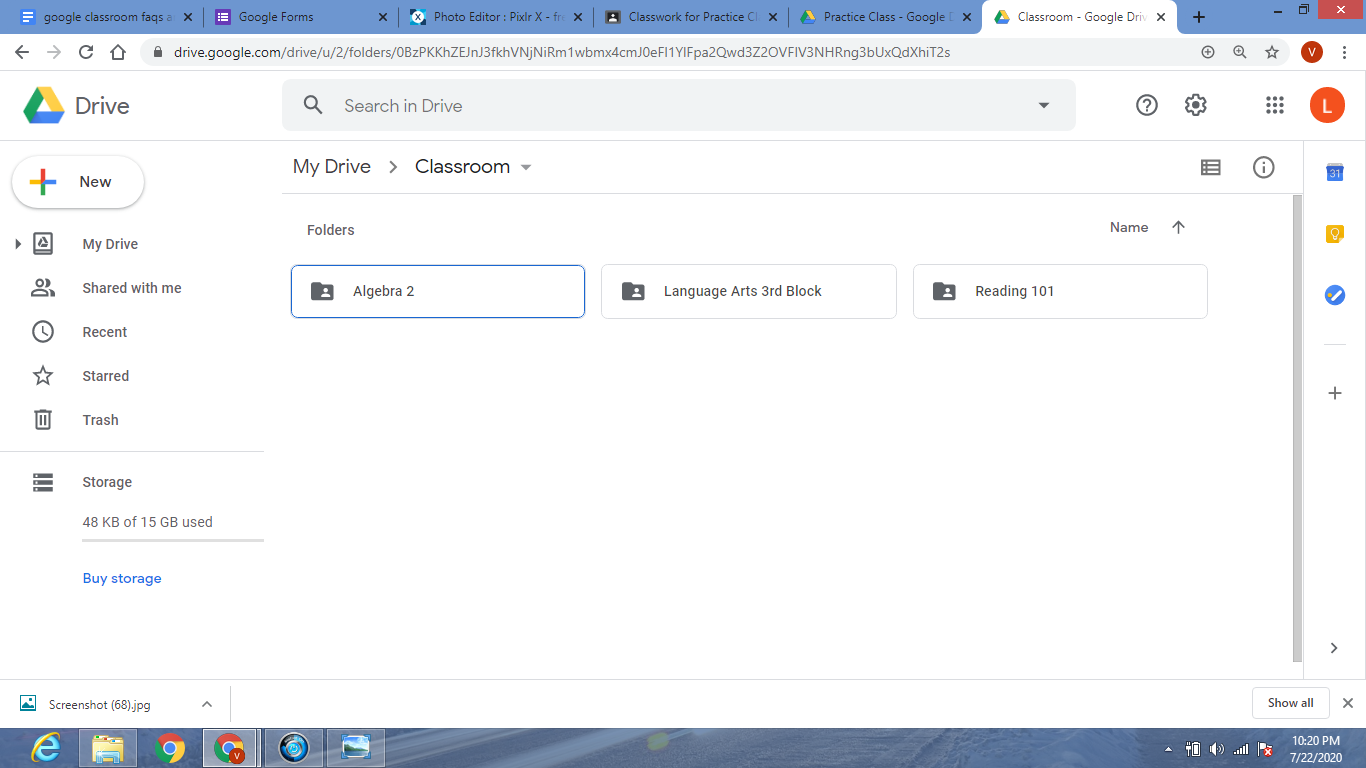
I also found that this feature saves educators time. All you must do is upload a resource into your Google Classroom and share it with your learners. It only takes a few clicks and your students can have access to whatever educational material they need to successfully grasp standards and objectives.
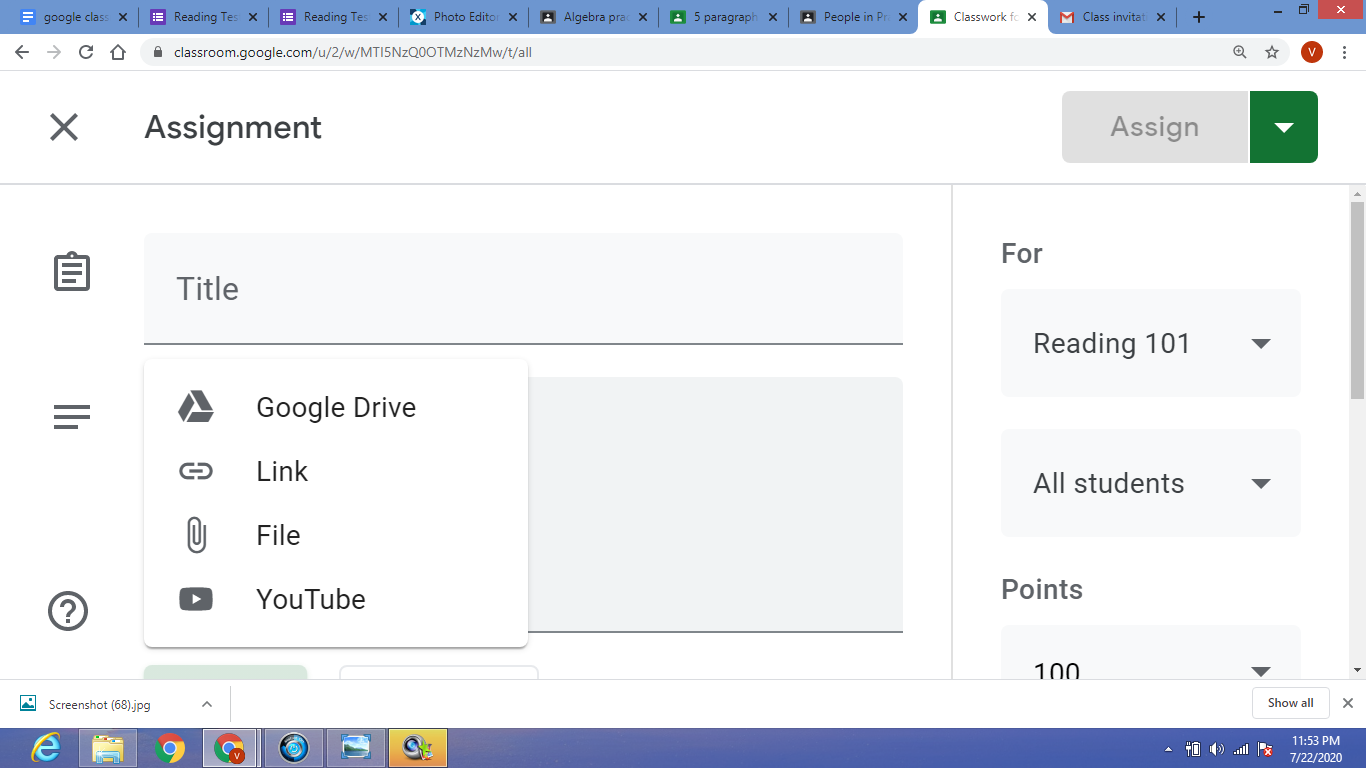
You can save time by using the self-grading feature on Google Forms. This feature will even give you a spreadsheet of your learners’ scores. Grading papers is no teacher’s favorite pastime. With Google Classroom, you can create a quiz or test with relevant questions and answers choices, and input the correct answers. Once students submit their answers, their score is automatically calculated and shared with them and you. This will save so much time, and also has the benefit of providing instant feedback to the student. That is what you call a win-win situation!

Students can work at their own pace as well as have differentiated assignments that meet their needs. Assignments can be assigned to specific students and educators can then differentiate the assignment itself, as well as the resources provided, and the due date.

Previous Article

How Edtech Boosts Parent Engagement in Schools

Next Article

The Impact of Interactive Videos in the ...

Matthew Lynch

Related articles More from author

  • Google Classroom Tips

    Google Classroom Tip #15: Behavior Management

    November 18, 2018
    By Matthew Lynch
  • Google Classroom

    Immerse Yourself in the Google-y Vibes of the Google Visitor Experience

    February 3, 2024
    By Matthew Lynch
  • Google ClassroomGoogle Classroom Tips

    How Do You Create Self-Grading Quizzes in Google Forms?

    September 14, 2020
    By Matthew Lynch
  • Google ClassroomGoogle Classroom Tips

    What Can I Do With Google Classroom?

    August 18, 2020
    By Matthew Lynch
  • Google Classroom Tips

    Google’s Pixel 8 Software Update Plan Could Help All Phone Buyers

    February 2, 2024
    By Matthew Lynch
  • Google Classroom

    How to Integrate Google Classroom with the Power of YouTube

    September 18, 2018
    By Matthew Lynch

Search

Login & Registration

  • Log in
  • Entries feed
  • Comments feed
  • WordPress.org

Newsletter

Signup for The Tech Edvocate Newsletter and have the latest in EdTech news and opinion delivered to your email address!

About Us

Since technology is not going anywhere and does more good than harm, adapting is the best course of action. That is where The Tech Edvocate comes in. We plan to cover the PreK-12 and Higher Education EdTech sectors and provide our readers with the latest news and opinion on the subject. From time to time, I will invite other voices to weigh in on important issues in EdTech. We hope to provide a well-rounded, multi-faceted look at the past, present, the future of EdTech in the US and internationally.

We started this journey back in June 2016, and we plan to continue it for many more years to come. I hope that you will join us in this discussion of the past, present and future of EdTech and lend your own insight to the issues that are discussed.

Newsletter

Signup for The Tech Edvocate Newsletter and have the latest in EdTech news and opinion delivered to your email address!

Contact Us

The Tech Edvocate
910 Goddin Street
Richmond, VA 23231
(601) 630-5238
[email protected]

Copyright © 2026 Matthew Lynch. All rights reserved.