The Tech Edvocate

Top Menu

  • Advertisement
  • Apps
  • Home Page
  • Home Page Five (No Sidebar)
  • Home Page Four
  • Home Page Three
  • Home Page Two
  • Home Tech2
  • Icons [No Sidebar]
  • Left Sidbear Page
  • Lynch Educational Consulting
  • My Account
  • My Speaking Page
  • Newsletter Sign Up Confirmation
  • Newsletter Unsubscription
  • Our Brands
  • Page Example
  • Privacy Policy
  • Protected Content
  • Register
  • Request a Product Review
  • Shop
  • Shortcodes Examples
  • Signup
  • Start Here
    • Governance
    • Careers
    • Contact Us
  • Terms and Conditions
  • The Edvocate
  • The Tech Edvocate Product Guide
  • Topics
  • Write For Us
  • Advertise

Main Menu

  • Start Here
    • Our Brands
    • Governance
      • Lynch Educational Consulting, LLC.
      • Dr. Lynch’s Personal Website
      • Careers
    • Write For Us
    • The Tech Edvocate Product Guide
    • Contact Us
    • Books
    • Edupedia
    • Post a Job
    • The Edvocate Podcast
    • Terms and Conditions
    • Privacy Policy
  • Topics
    • Assistive Technology
    • Child Development Tech
    • Early Childhood & K-12 EdTech
    • EdTech Futures
    • EdTech News
    • EdTech Policy & Reform
    • EdTech Startups & Businesses
    • Higher Education EdTech
    • Online Learning & eLearning
    • Parent & Family Tech
    • Personalized Learning
    • Product Reviews
  • Advertise
  • Tech Edvocate Awards
  • The Edvocate
  • Pedagogue
  • School Ratings

logo

The Tech Edvocate

  • Start Here
    • Our Brands
    • Governance
      • Lynch Educational Consulting, LLC.
      • Dr. Lynch’s Personal Website
        • My Speaking Page
      • Careers
    • Write For Us
    • The Tech Edvocate Product Guide
    • Contact Us
    • Books
    • Edupedia
    • Post a Job
    • The Edvocate Podcast
    • Terms and Conditions
    • Privacy Policy
  • Topics
    • Assistive Technology
    • Child Development Tech
    • Early Childhood & K-12 EdTech
    • EdTech Futures
    • EdTech News
    • EdTech Policy & Reform
    • EdTech Startups & Businesses
    • Higher Education EdTech
    • Online Learning & eLearning
    • Parent & Family Tech
    • Personalized Learning
    • Product Reviews
  • Advertise
  • Tech Edvocate Awards
  • The Edvocate
  • Pedagogue
  • School Ratings
  • A Visitors Guide to Viña del Mar, Chile

  • A Visitors Guide to Århus, Denmark

  • A Visitors Guide to Bakersfield (CA), United States

  • A Visitors Guide to Aurora (CO), United States

  • A Visitor’s Guide to Toledo (OH), United States

  • A Visitors Guide to Cincinnati (OH), United States

  • The MagicEagle Cam 5: Revolutionizing Wildlife Monitoring with Smart 4G Technology

  • A Visitors Guide to Pittsburgh (PA), United States

  • A Visitors Guide to Colorado Springs (CO), United States

  • 5 Pairs of Shoes That Will Instantly Step Your Shoe Game Up

Digital & Mobile Technology
Home›Digital & Mobile Technology›Best iPhone Hacks & Tips for 2023

Best iPhone Hacks & Tips for 2023
By Matthew Lynch
June 6, 2023
0
Spread the love

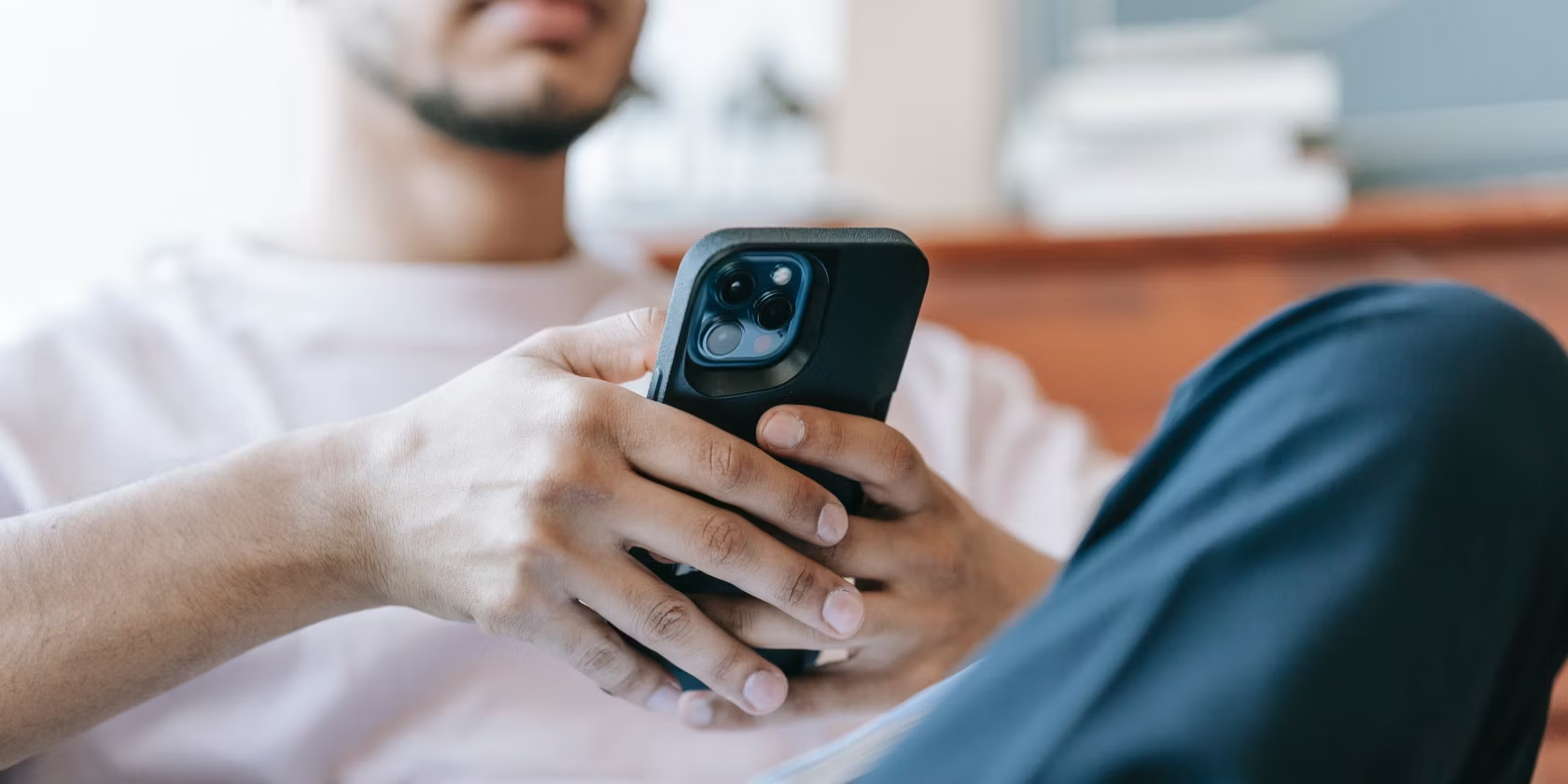
As the world continues to be more technologically advanced, smartphones have become an integral part of our lives. The iPhone, in particular, is one of the most popular smartphones, known for its sleek design, user-friendly interface, and impressive features. In this article, we’ll discuss some of the best iPhone hacks and tips for 2023 that will help you get the most out of your device.

  1. Use Siri Shortcuts

Siri shortcuts are a great way to automate tasks on your iPhone. With Siri shortcuts, you can program Siri to perform a specific task with a single voice command. This can range from turning off your lights to setting a reminder or booking an Uber ride. To set a Siri shortcut, go to the Siri & Search settings and select “Create shortcut.”

  1. Manage Your Notifications

Notifications can be a source of distraction and anxiety, especially when you’re trying to focus on something else. Fortunately, you can manage your notifications on your iPhone by going to Settings > Notifications. From there, you can turn off notifications for specific apps, set priority notifications, and even turn on Do Not Disturb mode to block all notifications.

  1. Enable Dark Mode

Dark mode is a great way to reduce eye strain and save battery life on your iPhone. To enable dark mode, go to the Display & Brightness settings and select “Dark.” You can also set the dark mode to turn on automatically at a certain time of day.

  1. Use the Magnifier

The iPhone’s magnifier is a great tool for reading small text and details that are hard to see with the naked eye. To use the magnifier, go to Settings > Accessibility > Magnifier and toggle it on. You can then access the magnifier by triple-clicking the home button or the side button (depending on your iPhone model).

  1. Record Your Screen

Screen recording is a great way to capture and share what’s on your iPhone screen. To start recording your screen, go to the Control Center and tap on the screen recording icon. You can then customize your recording settings and start recording.

  1. Use VPN

Using a VPN on your iPhone is important for protecting your privacy and security when using public Wi-Fi. A VPN encrypts your internet traffic, making it harder for hackers to intercept your data. To use a VPN on your iPhone, go to Settings > General > VPN and select “Add VPN Configuration.”

  1. Customize Your Home Screen

Customizing your iPhone’s home screen can add a personal touch to your device, making it feel more unique and stylish. You can use various apps to customize your icons, wallpapers, and even add widgets to your home screen.

In conclusion, these are some of the best iPhone hacks and tips for 2023 that will help you get the most out of your device. By using these tips, you can streamline tasks, protect your privacy, and make your iPhone truly your own.


Previous Article

How to Change the Time on Android ...

Next Article

How to Fix It When There is ...

Matthew Lynch

Related articles More from author

  • Digital & Mobile Technology

    Face ID Not Working or Unavailable on Your iPhone? Here Are Fixes to Try

    August 5, 2023
    By Matthew Lynch
  • Digital & Mobile Technology

    How to Play Media Through DirecTV Receivers

    May 1, 2023
    By Matthew Lynch
  • Digital & Mobile Technology

    Best Websites to Play Free Jigsaw Puzzles Online

    August 5, 2023
    By Matthew Lynch
  • Digital & Mobile Technology

    Decision-Making Apps to Help You Pick the Right Choice

    June 14, 2023
    By Matthew Lynch
  • Digital & Mobile Technology

    Top Ways to Fix Facebook Messenger Not Sending Pictures

    April 13, 2023
    By Matthew Lynch
  • Digital & Mobile Technology

    How to Connect a Phone to a TV Wirelessly

    May 31, 2023
    By Matthew Lynch

Search

Login & Registration

  • Register
  • Log in
  • Entries feed
  • Comments feed
  • WordPress.org

Newsletter

Signup for The Tech Edvocate Newsletter and have the latest in EdTech news and opinion delivered to your email address!

About Us

Since technology is not going anywhere and does more good than harm, adapting is the best course of action. That is where The Tech Edvocate comes in. We plan to cover the PreK-12 and Higher Education EdTech sectors and provide our readers with the latest news and opinion on the subject. From time to time, I will invite other voices to weigh in on important issues in EdTech. We hope to provide a well-rounded, multi-faceted look at the past, present, the future of EdTech in the US and internationally.

We started this journey back in June 2016, and we plan to continue it for many more years to come. I hope that you will join us in this discussion of the past, present and future of EdTech and lend your own insight to the issues that are discussed.

Newsletter

Signup for The Tech Edvocate Newsletter and have the latest in EdTech news and opinion delivered to your email address!

Contact Us

The Tech Edvocate
910 Goddin Street
Richmond, VA 23231
(601) 630-5238
[email protected]

Copyright © 2025 Matthew Lynch. All rights reserved.