The Tech Edvocate

Top Menu

  • Advertisement
  • Apps
  • Home Page
  • Home Page Five (No Sidebar)
  • Home Page Four
  • Home Page Three
  • Home Page Two
  • Home Tech2
  • Icons [No Sidebar]
  • Left Sidbear Page
  • Lynch Educational Consulting
  • My Account
  • My Speaking Page
  • Newsletter Sign Up Confirmation
  • Newsletter Unsubscription
  • Our Brands
  • Page Example
  • Privacy Policy
  • Protected Content
  • Register
  • Request a Product Review
  • Shop
  • Shortcodes Examples
  • Signup
  • Start Here
    • Governance
    • Careers
    • Contact Us
  • Terms and Conditions
  • The Edvocate
  • The Tech Edvocate Product Guide
  • Topics
  • Write For Us
  • Advertise

Main Menu

  • Start Here
    • Our Brands
    • Governance
      • Lynch Educational Consulting, LLC.
      • Dr. Lynch’s Personal Website
      • Careers
    • Write For Us
    • The Tech Edvocate Product Guide
    • Contact Us
    • Books
    • Edupedia
    • Post a Job
    • The Edvocate Podcast
    • Terms and Conditions
    • Privacy Policy
  • Topics
    • Assistive Technology
    • Child Development Tech
    • Early Childhood & K-12 EdTech
    • EdTech Futures
    • EdTech News
    • EdTech Policy & Reform
    • EdTech Startups & Businesses
    • Higher Education EdTech
    • Online Learning & eLearning
    • Parent & Family Tech
    • Personalized Learning
    • Product Reviews
  • Advertise
  • Tech Edvocate Awards
  • The Edvocate
  • Pedagogue
  • School Ratings

logo

The Tech Edvocate

  • Start Here
    • Our Brands
    • Governance
      • Lynch Educational Consulting, LLC.
      • Dr. Lynch’s Personal Website
        • My Speaking Page
      • Careers
    • Write For Us
    • The Tech Edvocate Product Guide
    • Contact Us
    • Books
    • Edupedia
    • Post a Job
    • The Edvocate Podcast
    • Terms and Conditions
    • Privacy Policy
  • Topics
    • Assistive Technology
    • Child Development Tech
    • Early Childhood & K-12 EdTech
    • EdTech Futures
    • EdTech News
    • EdTech Policy & Reform
    • EdTech Startups & Businesses
    • Higher Education EdTech
    • Online Learning & eLearning
    • Parent & Family Tech
    • Personalized Learning
    • Product Reviews
  • Advertise
  • Tech Edvocate Awards
  • The Edvocate
  • Pedagogue
  • School Ratings
  • Is AuraCam Pro’s Emotional AI a Privacy Nightmare or Security Breakthrough?

  • Unprecedented: N-able’s Global Shutdown After 30+ Zero-Days Revealed

  • The Urgent Truth: Your AI Tools for Financial Advisors Could Be a Compliance Nightmare

  • Unmasking the Troubling Truth About EU’s Digital Omnibus and Your Data

  • Outrageous: Your US Car Insurance 2026 Bill Is About to Explode – Here’s Why

  • Uncovering the Truth: Are AI Spending Concerns About to Tank Your Portfolio?

  • The Silent Revolution: How AI Property Valuation Is Quietly Reshaping Real Estate

  • The Astonishing Truth: Why Your Dream Car Is Now a $52,000 Illusion

  • Toxic Algorithms: Why Your Bank’s AI Could Cost You Everything

  • OpenAI’s GPT-6 Cyber: A Dangerous New AI Threat or Our Ultimate Digital Guardian?

Digital & Mobile Technology
Home›Digital & Mobile Technology›How to Create a Hacker Proof Password

How to Create a Hacker Proof Password
By Matthew Lynch
February 28, 2023
0
Spread the love

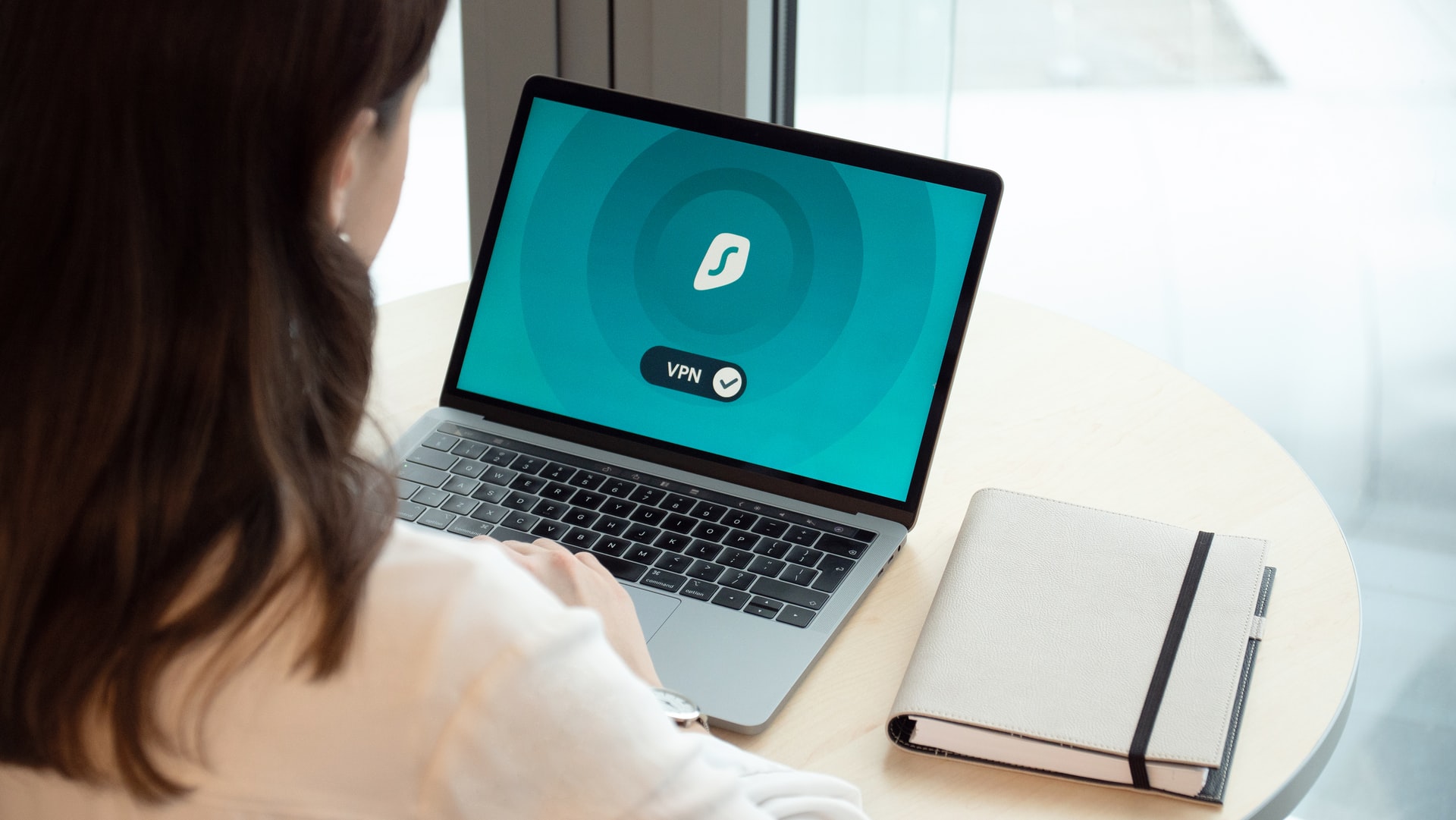
Small changes can make a significant difference in securing your information and equipment from malicious intruders.

The FBI and the Cybersecurity and Infrastructure Security Agency (CISA) have urged all school administrators to improve user passwords to defend against misuse, which has grown in prevalence with the implementation of distance learning across the country.

Password spraying is one method used by unscrupulous actors to obtain student and teacher passwords. This brute-force attack targets several accounts with a single, regularly used password. By avoiding frequent or quick lockouts, fraudsters can remain undetected.

Here are some tips for selecting (or modifying) your passcodes:

  1. Make use of a Password Manager

The program not only serves to safely store and recover passwords, but it also produces long, complicated passwords that are distinct to each user. Some administrators use the cloud to provide remote connectivity from any gadget. Make a strong passphrase for your strong password and use multifactor authentication to protect it.

  1. Think about alternatives to traditional passwords.

For increased security, some vendors have adopted passwordless authentication. A typical configuration consists of two components: a tangible item (such as a passcode lock or smart card) and a biometric action (such as a fingerprint or retina scanning) or a PIN saved locally.

  1. Create a unique password for each account.

Each password you create for each app should be distinct. Hackers frequently obtain identities from lists posted on the internet that have been taken from insecure systems, thus using the same credentials throughout may present an open prey.

  1. Select a Password in place of a password

Longer, more complicated passwords are safer, but they are also more difficult to remember. Try a pass with 8 or more items that include a mix of designated characters, capitals and lowercase characters, and digits.

Previous Article

Integrating the Performing Arts into the Early ...

Next Article

The Integration of Play and Art

Matthew Lynch

Related articles More from author

  • Digital & Mobile Technology

    How to Back up Your Mac With Time Machine and SuperDuper

    June 4, 2023
    By Matthew Lynch
  • Digital & Mobile Technology

    Can You Use PS4 Controllers on a PS5?

    June 30, 2023
    By Matthew Lynch
  • Digital & Mobile Technology

    Best Screenshot Apps for Windows in 2023

    June 10, 2023
    By Matthew Lynch
  • Digital & Mobile Technology

    How to Downgrade From Catalina to Mojave

    June 4, 2023
    By Matthew Lynch
  • Digital & Mobile Technology

    What Does a Blue Light Ring on Alexa Mean?

    September 7, 2023
    By Matthew Lynch
  • Digital & Mobile Technology

    How to Connect to a PostgreSQL Database Using Node.js

    June 5, 2023
    By Matthew Lynch

Search

Login & Registration

  • Log in
  • Entries feed
  • Comments feed
  • WordPress.org

Newsletter

Signup for The Tech Edvocate Newsletter and have the latest in EdTech news and opinion delivered to your email address!

About Us

Since technology is not going anywhere and does more good than harm, adapting is the best course of action. That is where The Tech Edvocate comes in. We plan to cover the PreK-12 and Higher Education EdTech sectors and provide our readers with the latest news and opinion on the subject. From time to time, I will invite other voices to weigh in on important issues in EdTech. We hope to provide a well-rounded, multi-faceted look at the past, present, the future of EdTech in the US and internationally.

We started this journey back in June 2016, and we plan to continue it for many more years to come. I hope that you will join us in this discussion of the past, present and future of EdTech and lend your own insight to the issues that are discussed.

Newsletter

Signup for The Tech Edvocate Newsletter and have the latest in EdTech news and opinion delivered to your email address!

Contact Us

The Tech Edvocate
910 Goddin Street
Richmond, VA 23231
(601) 630-5238
[email protected]

Copyright © 2026 Matthew Lynch. All rights reserved.